
How to replace JVC TS-CL110U lamp enclosure for your projection TV.

JVC TS-CL110U Lamp Enclosure.
Step 1.- Before you start doing anything, unplug the TV from the wall outlet. There are a few thousand volts going through your ballast, be very careful! It’s also a good idea to let the TV cool down for at least 15-20 minutes as the bulb itself can get extremely hot and you can severely burn your hand.
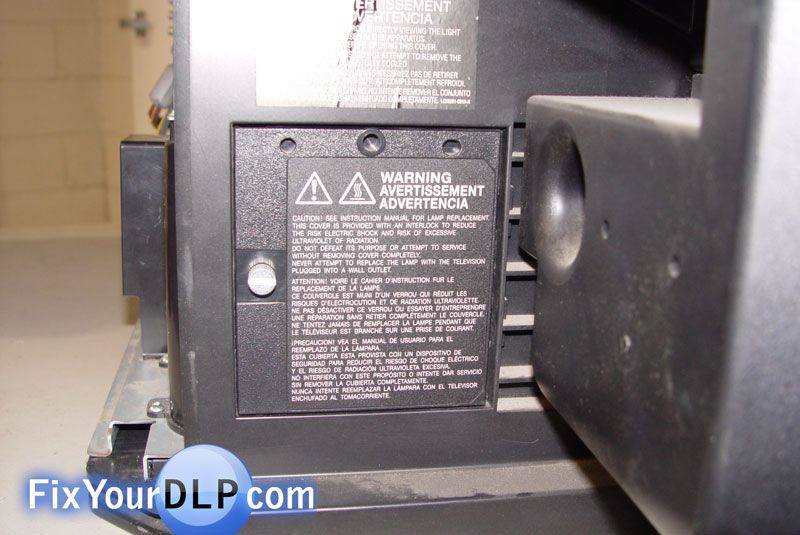
Step 2.- On the back of your TV locate the lamp door on the left side.
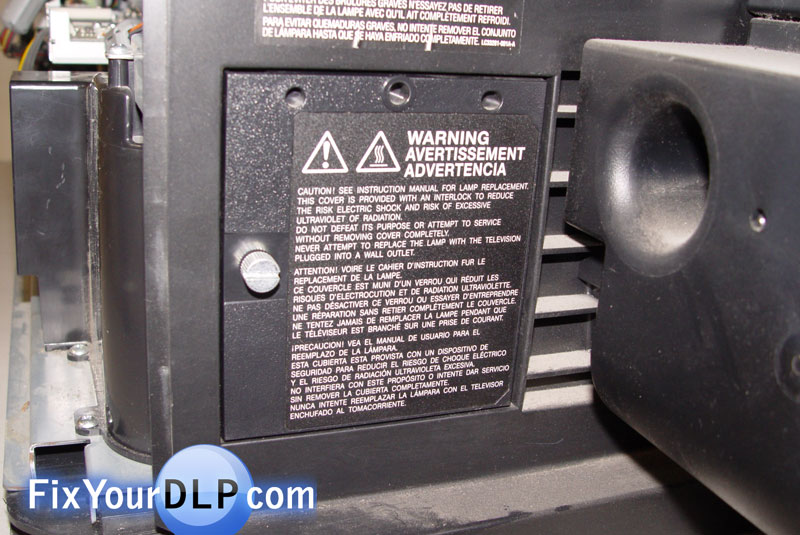
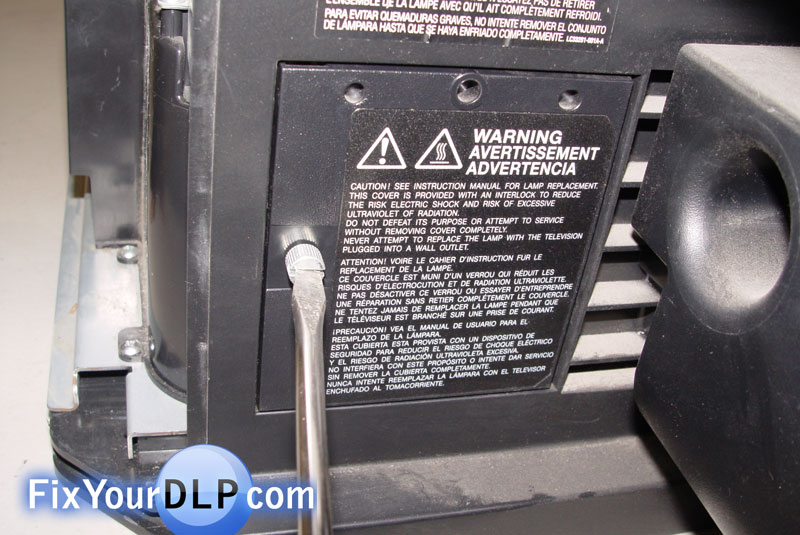
Use a flat screw driver to unlock it and remove it.
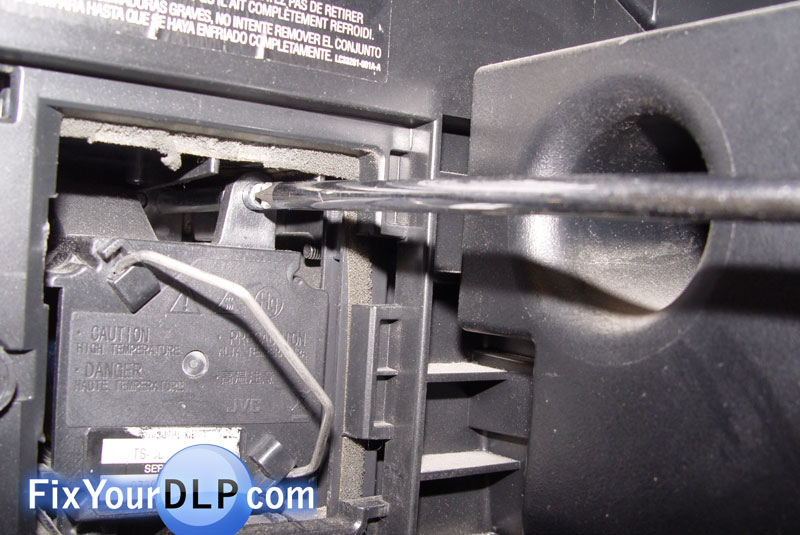
Step 3.- Inside you’ll be able to find the lamp enclosure.

Uninstall the two screws holding the enclosure in place.

Step 4.- Pull it out from your TV using the metal handle.
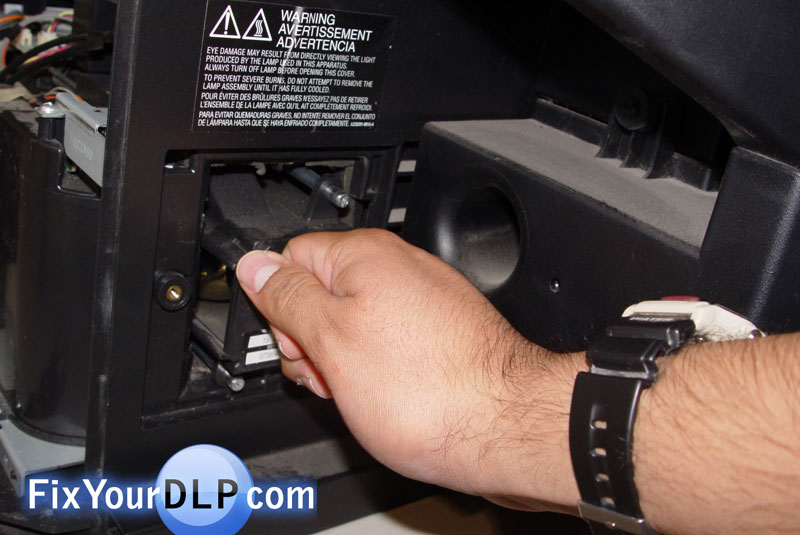
The inside will look something like this.
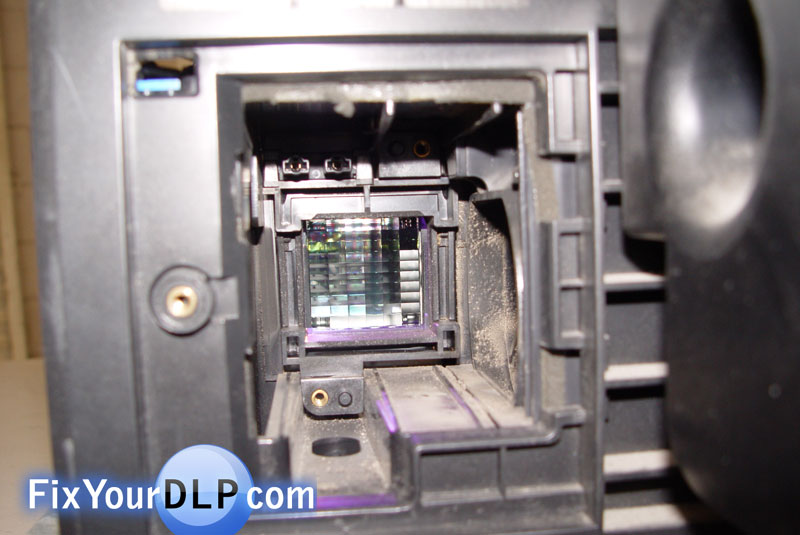
Step 5.- Place the new enclosure inside.
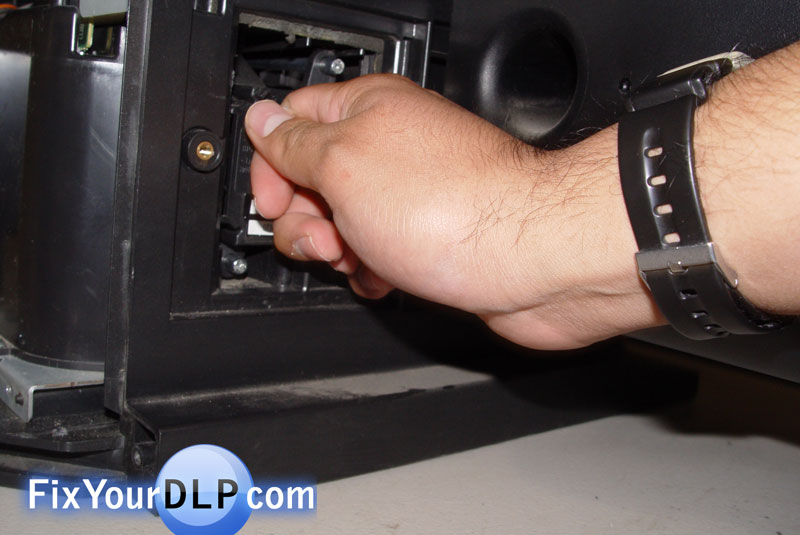
Secure it in place using the screwdriver.

Step 6.- Place the lamp door before trying to turn the TV, that’s because there is a blue switch that needs to be pressed in order to turn on.
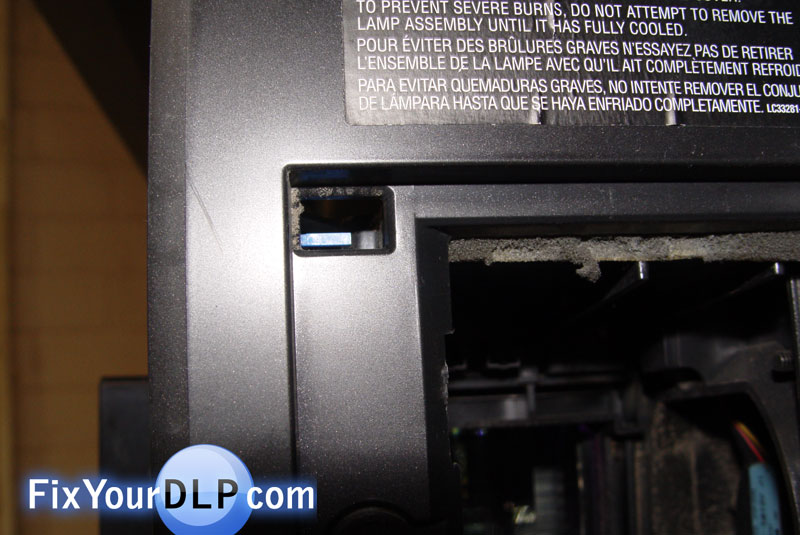
Step 7.- Reinstall the screw on the lamp door and your finished.

this was the easiest installment i have ever done. thank you