
When to change your POA-LMP106 projector lamp

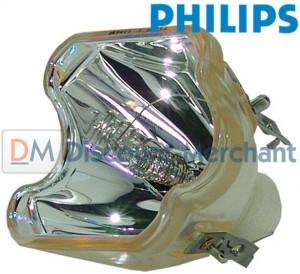 Wondering when to change the Sanyo POA-LMP106 (service parts no 610 332 3855)?
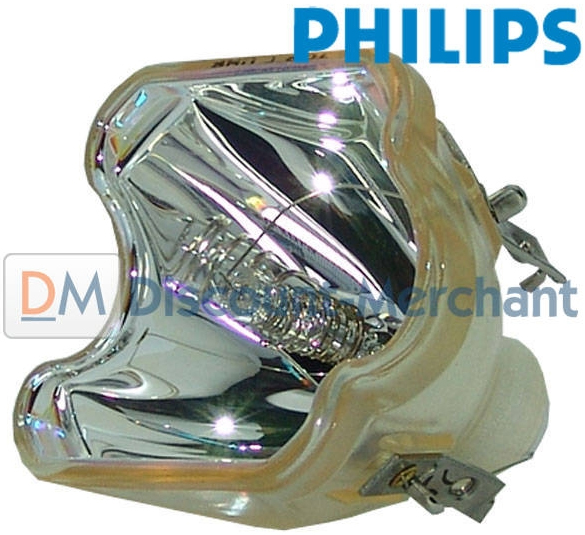
Your Sanyo POA-LMP106 (service parts no 610 332 3855) projector lamp has between 2,000 to 3,000 hours before it needs to be replaced. This may be less if your filters are not cleaned on a regular basis.
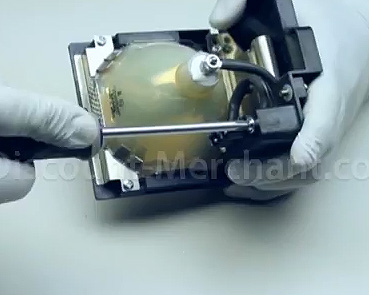 For additional savings and an enviro-friendly option, you can just replace the Sanyo POA-LMP106 bulb and re-use the lamp cage. Learn how in our video guide: Sanyo POA-LMP106 replacement lamp housing guide.
Projectors using POA-LMP106
XE45
PLC-SU70/PLC-XU73
PLC-XU74
PLC-XU84/PLC-XU87
Be sure to use the correct brand projector lamp bought from a verified source that has been manufactured to meet the specifications of your projector. Resist the temptation to buy a cheaper counterfeit model as this can damage the sensitive mechanisms in your Sanyo projectors.
See below for the step-by-step instructions on replacing the Sanyo POA-LMP106 (service part no 610 332 3855) lamps for Sanyo projectors listed above.
Sanyo Lamp Replace Indicator
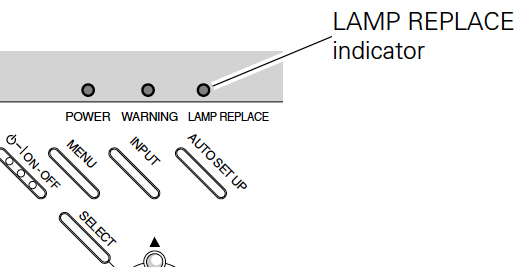
As the lamp reaches its end of life, the Lamp Replace indicator lights turns yellow and starts to blink.
When the lamp life is used up and at 0 hour, the Lamp replacement icon will appear on screen, indicating that is it’s urgent to replace the Sanyo POA-LMP106 (service parts no 610 332 3855) lamp.

You must wait for 90 seconds after changing Lamp Mode before you can access this option again.
Click on your Sanyo Projector for step-by-step instructions on replacing your Sanyo POA-LMP106 (service parts no 610 332 3855) lamp:
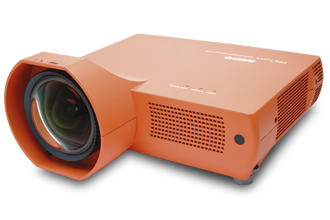
Sanyo projectors PLC-XE45
Click here for step-by-step instructions on how to change the Sanyo POA-LMP106 (service parts no 610 332 3855) projector lamp for the Sanyo XE45 projector.
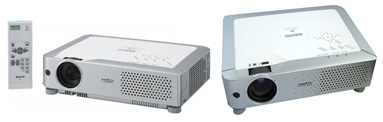
Sanyo projectors PLC-XU73/PLC-SU70
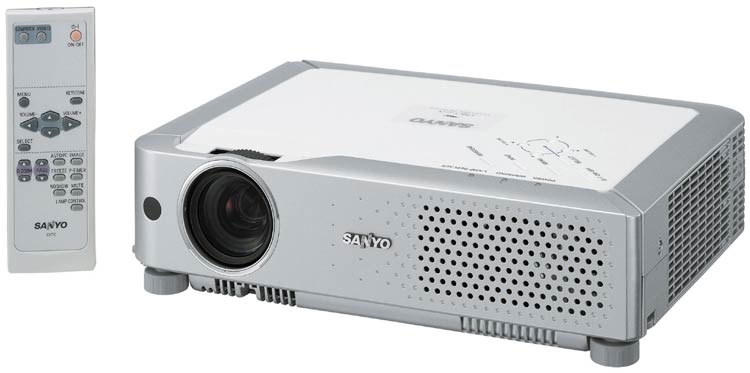
Sanyo projector PLC-XU74
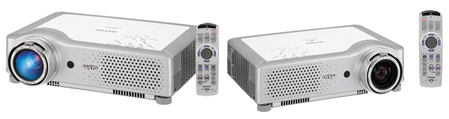
Leave a Reply