How to replace a Smartboard 880i4 projector lamp

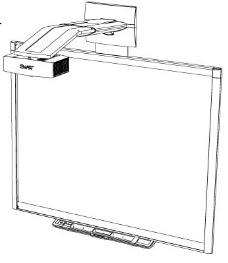
Follow this step by step guide to replace the Smartboard 880i4 projector lamp.
When the projected image gets darker or starts to deteriorate then it’s time to replace the Smartboard 880i4 projector lamp.
Go with authentic
An authentic projector lamp makes all the difference in keeping your Smartboard 880i4 projector working. If the price is too good to true, then you should avoid the lamp. Bargain basement prices mean problems down the road.
Find these lamp on Amazon sold by these authorized dealers:
- SpArc Bronze SmartBoard 20-01032-20 Projector Replacement Lamp with Housing
- Lutema 20-01032-20-L02 SmartBoard 20-01032-20 Replacement DLP/LCD Cinema Projector Lamp, Premium
- ePharos® 20-01032-20 20-01032-21 Replacement Lamp With Housing For SMARTBOARD 600I UNIFI 65W 660I UNIFI 65W 680I UNIFI 65W SBP-10X SBP-20W ST230i Unifi 55 Unifi 55w Unifi 65 Unifi 65w Unifi 65w
- Smartboard Projector Lamp Part Smartboard 20-01032-20 ST29017 Model Smartboard 600i4 680i Gen 3
- Lutema 20-01032-20-L02 SmartBoard 20-01032-20 Replacement DLP/LCD Cinema Projector Lamp, Premium
- Lutema 20-01032-20-L02 SmartBoard 20-01032-20 Replacement DLP/LCD Cinema Projector Lamp, Premium


6 reasons to avoid generic lamps:
- shorter lamp life
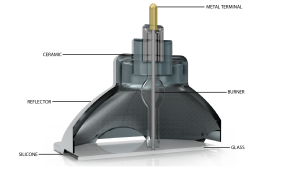
- created with toxic materials and carcinogenic parts including Krypton-85
- prone to explosions
- can damage the sensitive electronics in your projectors
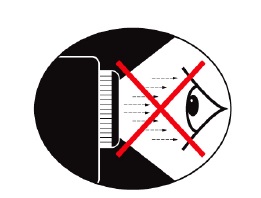
- no safeguards to protect your eyesight
- no guarantee or refunds offered.
Changing the Smartboard 880i4 projector lamp
Your Smartboard 880i4 projector uses the SmartBoard 20-01032-20 projector lamp.
Important Safety tips BEFORE replacing the projector lamp:
- Close the projector lens door to prevent scratching or touching of the lens.
- Press the power button twice on the ECP (extended control panel) or on the remote to put the system in Standby mode.
- Turn off the power switch and disconnect the power cord and all connected cables.
- This projector operates under high temperature and there is a burn risk so be sure to wait at least one hour minutes for the projector’s housing to completely cool.
Step 1: Remove the projector from the boom
To remove the projector from the mount, hold t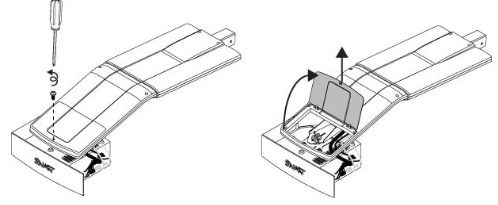 he projector and without applying pressure, remove the screw holding the cable cover in place. Lift the cover off.
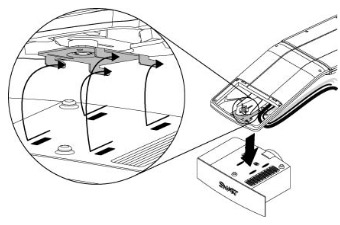
Loosen the wing nut and slide the projector away from the interactive whiteboard screen. Then remove the single screw on the bracket.
Step 2: Remove the old lamp
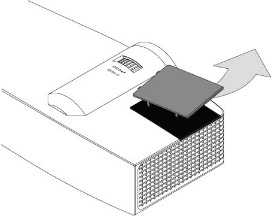
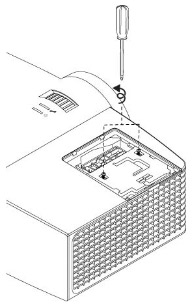
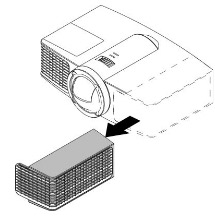
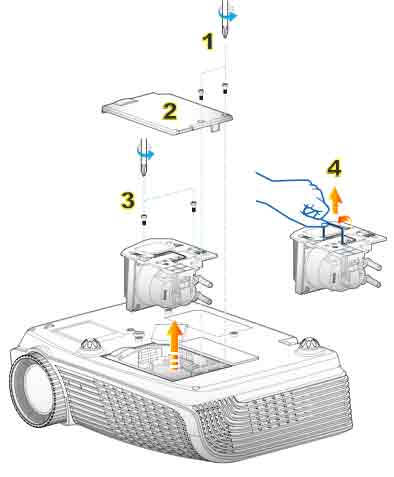
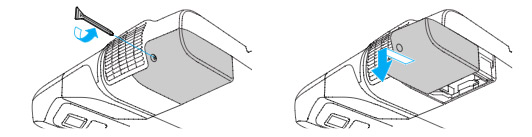
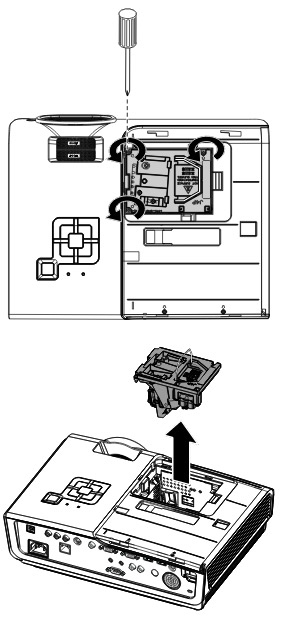
- Pull off the outer lamp cover with the your finger and set it aside.
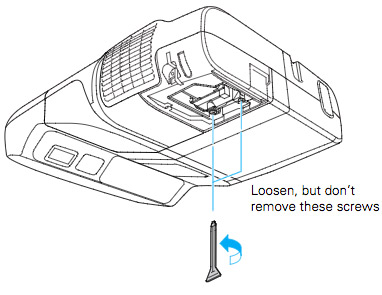
- Loosen the two screws holding the SmartBoard 20-01032-20 projector lamp in place.
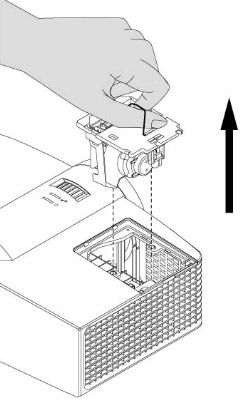
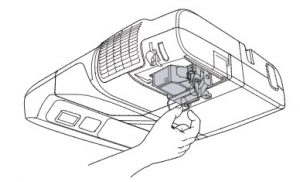
- Press on the tab and pull up with the handle on the old lamp. Release the tab. NOTE: The SmartBoard 20-01032-20 projector lamp contains mercury and should properly recycled and NEVER thrown into regular garbage.
Inserting the new lamp
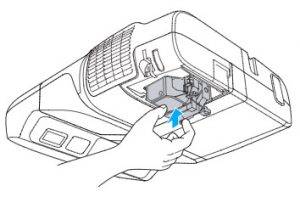
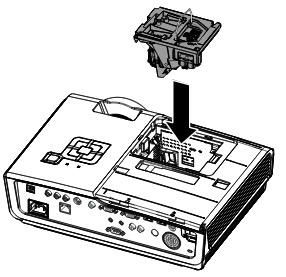
- Remove all packaging from the new SmartBoard 20-01032-20 projector lamp. Press the tab, put the new lamp into the lamp slot, and push it all the way down. Release the tab.
- Tighten the two lamp screws on the SmartBoard 20-01032-20 projector lamp. Slide the inner lamp cover back onto the projector.
- Put the outer lamp cover back into its original position. Align the cover and tighten the screws until the outer lamp cover is secure.
To replace the projector plate assembly on the projector boom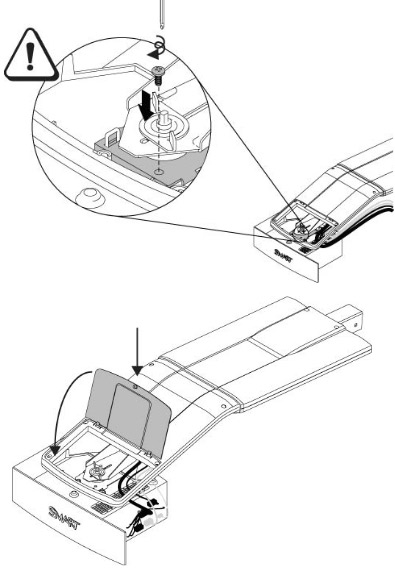
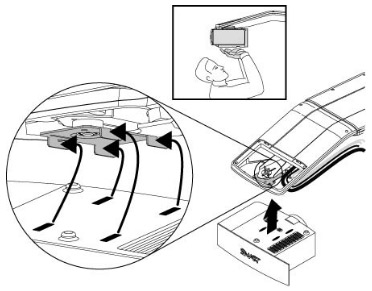
- Using both hands, left the projector and align the hooks on the boom with the slots on the projector.
- To place the projector back into the boom, attach the projector plate hinges into the corresponding flange hook on the projector boom.
- Secure the projector to the plate with the original screw.
- Replace the projector padlock.
- Replace the projector cover on the top of the boom. Without applying pressure to the boom, replace and tighten the screw on the cover until it’s secure. Connect all the cables and put the cable cover back on.
Resetting the lamp timer
Your Smartboard 880i4 projector has a built in lamp timer that tracks the life of the SmartBoard 20-01032-20 projector lamp. Whenever you change the lamp you need to reset the lamp timer back to zero.
- Using the remote control, press the following buttons quickly to access the service menu: Down, Up, Up, Left, Up.
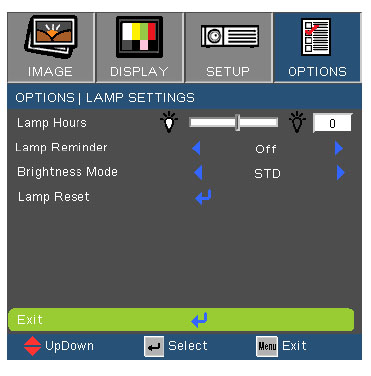
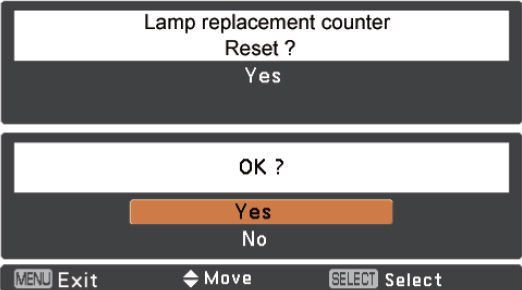
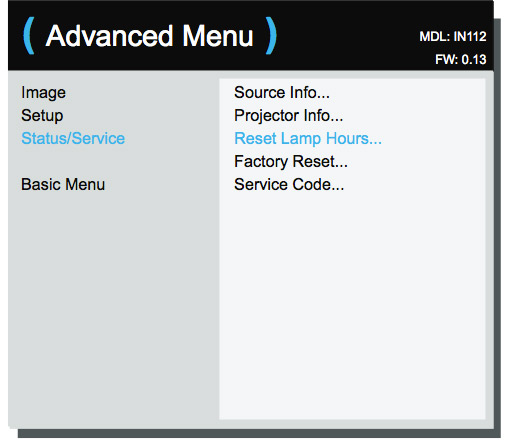
- Scroll down to the Lamp Hour Reset field and press OK. Both Standard and Economy setting will be reset to zero.
- Press the Menu button on the remote control to make the SMART UF65 Setting menu appear.
- Select the Lamp Hours to confirm that it’s been reset to zero.
- Wait five minutes for the projector lamp to warm up.
Learn how to extend the life of your SmartBoard 20-01032-20 projector lamp with Top tips for extending DLP projector lamp life
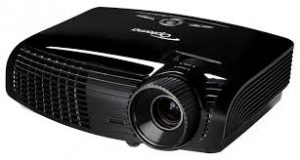 Use this guide to quickly replace the Optoma TX542-3D projector lamp.



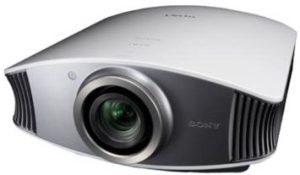


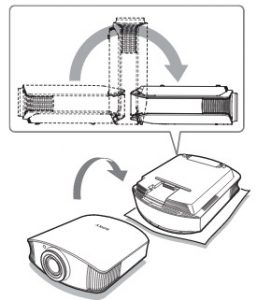
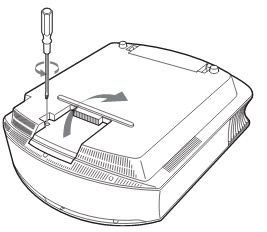
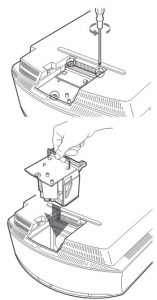
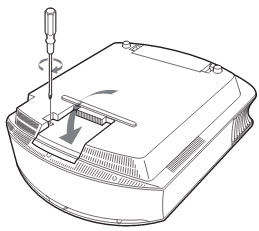
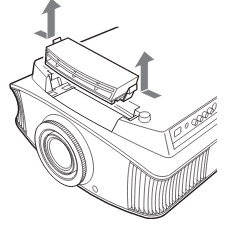
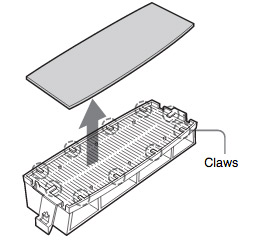 Remove the old Sony VPL-VW40 filter and put it to one side. Attach the new air filter so that is fits into the 10 claws properly on the holder.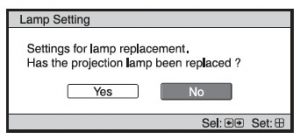
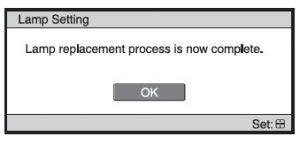
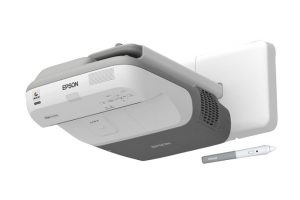


 Gently insert the replacement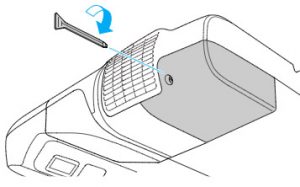
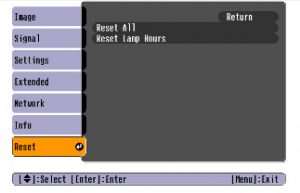
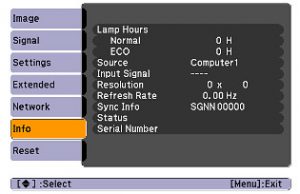 After resetting the lamp tracking function, check that the Lamp Hours have been reset to zero: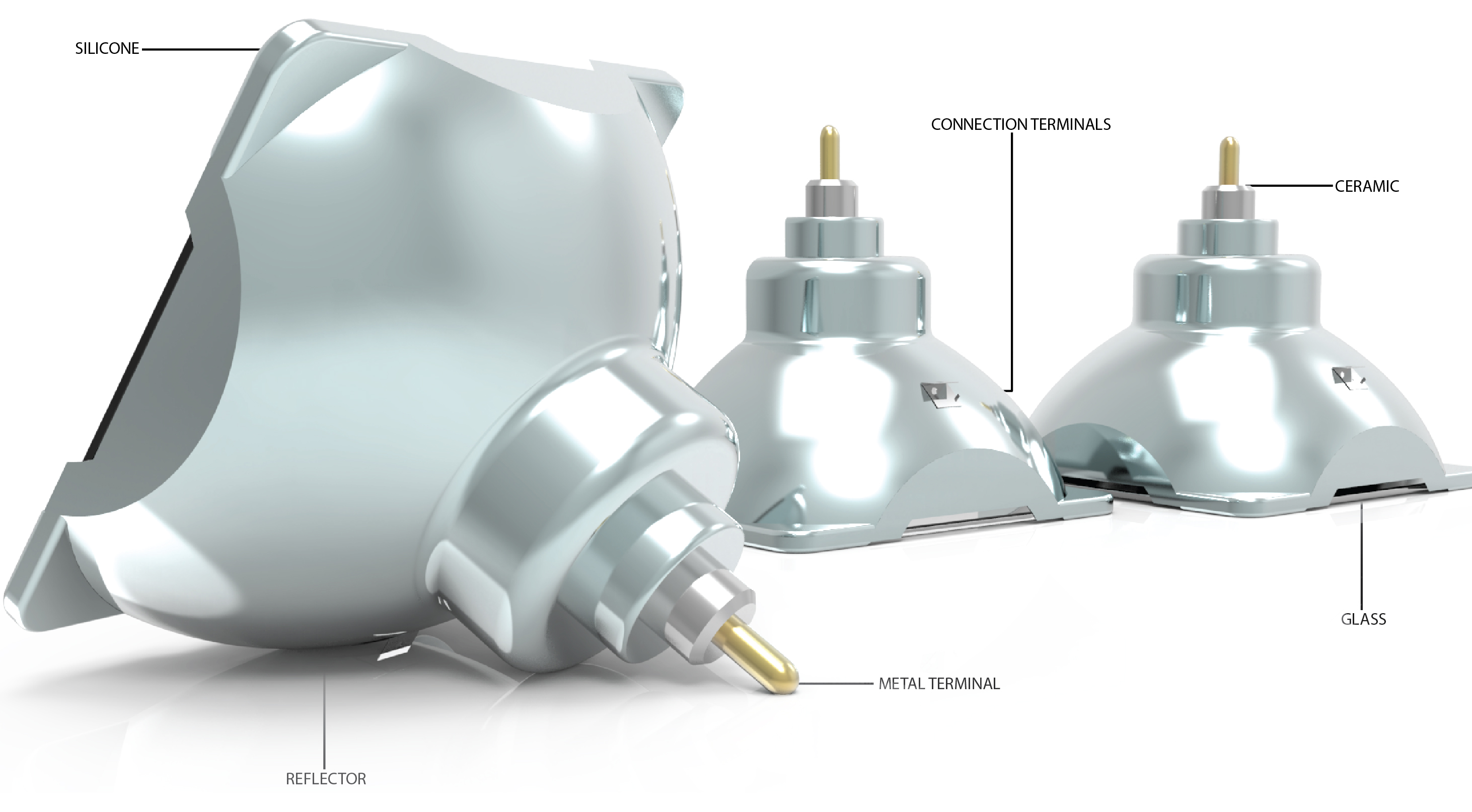

 Short-lived Counterfeit Lamps
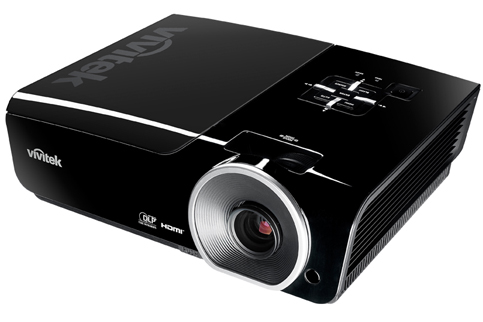 Follow this guide when it’s time to replace the Vivitek D963HD projector lamp.
 To finish the installation: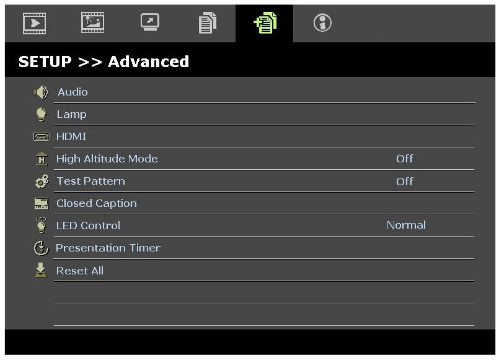
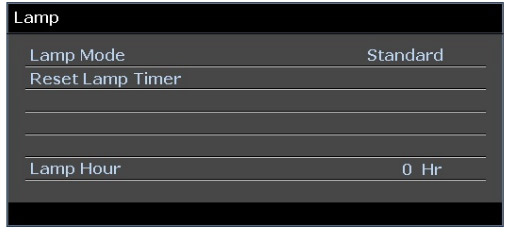 A message will appear saying the Lamp Hour has been reset to zero.
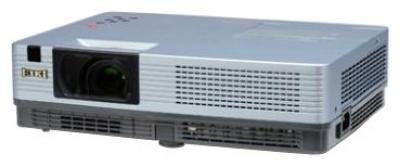 This guide shows you how to replace the Eiki LC-XBL20 projector lamp.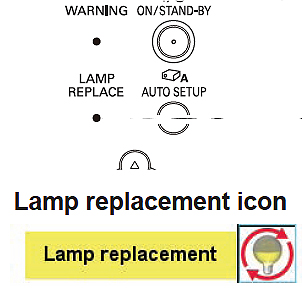


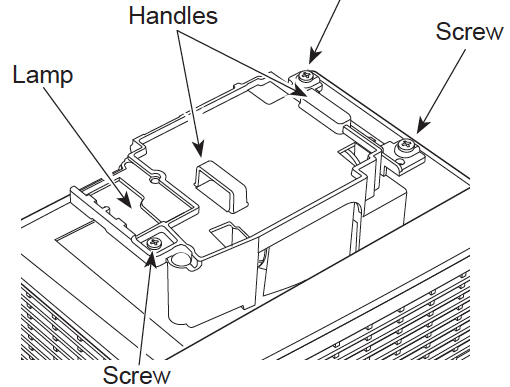 or the Eiki LC-XBL20 projector. Loosen the screw to remove the cover.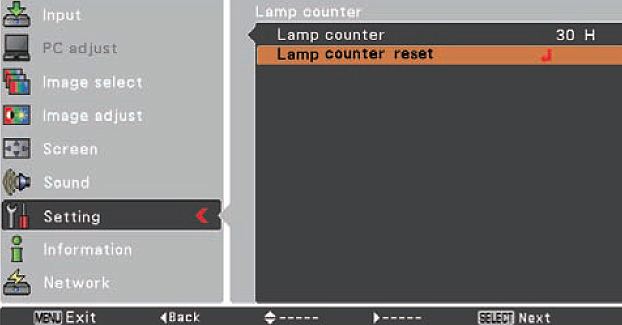
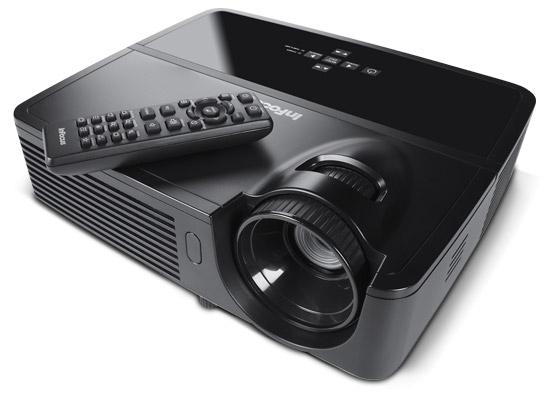 Install a replacement Infocus IN114 projector lamp using this guide.
 .
.



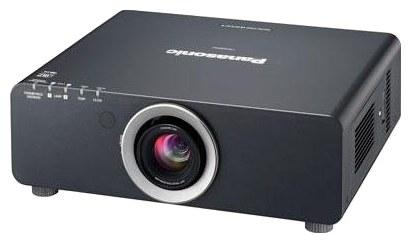 This guide shows you how to replace the Panasonic PT DZ6700 projector lamp.


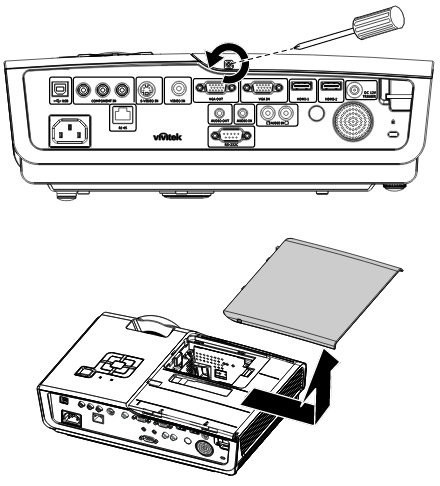
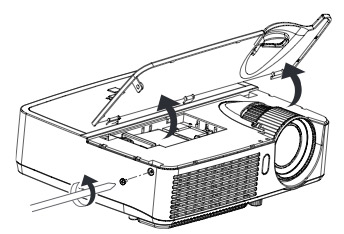
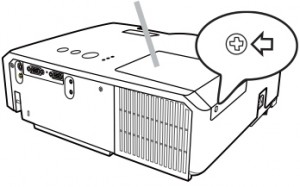
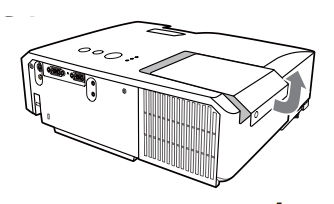
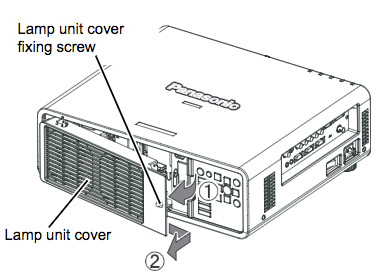 Using a screwdriver, loosen the screw holding the projector lamp cover. Slide the lamp unit cover to the buttons and pull to remove.