Install a new Smartboard 685ix projector lamp

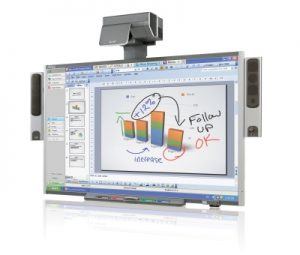 Follow this guide for easy replacement of the Smartboard 685ix projector lamp.
When the projected image gets darker or starts to deteriorate then it’s time to replace the Smartboard 685ix projector lamp.
Go with authentic
An authentic projector lamp makes all the difference in keeping your Smartboard 685ix projector working. If the price is too good to true, then you should avoid the lamp. Bargain basement prices mean problems down the road. Scroll down to see more reasons to avoid counterfeit lamps.
Find these lamp on Amazon sold by these authorized dealers:
- SpArc Bronze SmartBoard 20-01032-20 Projector Replacement Lamp with Housing
- Lutema 20-01032-20-L02 SmartBoard 20-01032-20 Replacement DLP/LCD Cinema Projector Lamp, Premium
- ePharos® 20-01032-20 20-01032-21 Replacement Lamp With Housing For SMARTBOARD 600I UNIFI 65W 660I UNIFI 65W 680I UNIFI 65W SBP-10X SBP-20W ST230i Unifi 55 Unifi 55w Unifi 65 Unifi 65w Unifi 65w
- Smartboard Projector Lamp Part Smartboard 20-01032-20 ST29017 Model Smartboard 600i4 680i Gen 3
- Lutema 20-01032-20-L02 SmartBoard 20-01032-20 Replacement DLP/LCD Cinema Projector Lamp, Premium
- Lutema 20-01032-20-L02 SmartBoard 20-01032-20 Replacement DLP/LCD Cinema Projector Lamp, Premium


Changing the Smartboard projector lamp
Your Smartboard 685ix projector uses the SmartBoard 20-01175-20 projector lamp.
Important Safety tips BEFORE replacing the projector lamp:
- Close the projector lens door to prevent scratching or touching of the lens.
- Press the power button twice on the ECP (extended control panel) or on the remote to put the system in Standby mode.
- Turn off the power switch and disconnect the power cord and all connected cables.
- This projector operates under high temperature and there is a burn risk so be sure to wait at least one hour minutes for the projector’s housing to completely cool.
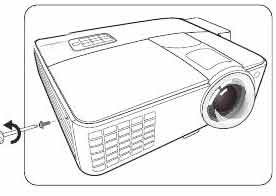
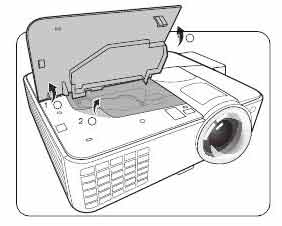
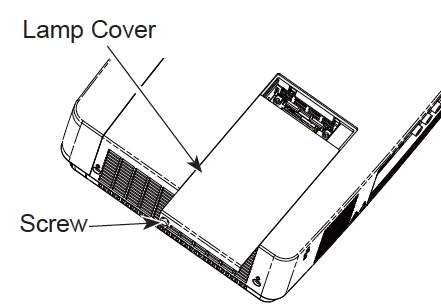
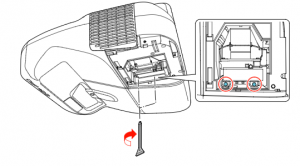
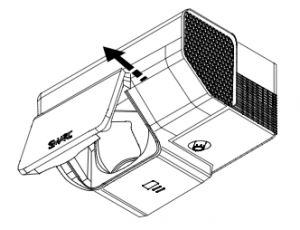 Pull the lamp cover forward and remove it from the projector. Put the lamp cover to one side. If the cover is difficult to remove, insert a flat screwdriver or small coin into the slot on the bottom of the lamp cover to gently pry it open.
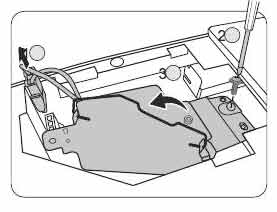
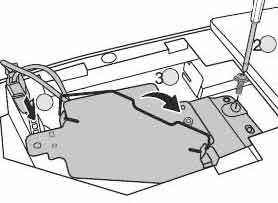
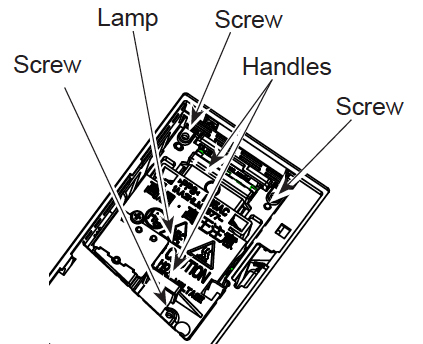
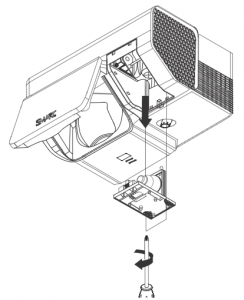 Loosen the two screws holding the SmartBoard 20-01175-20 projector lamp in place.
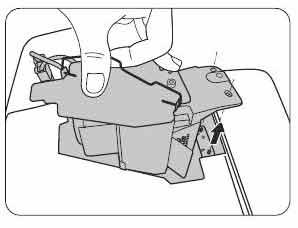
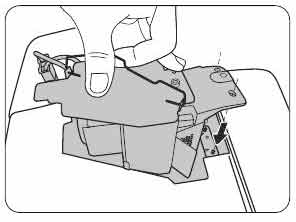
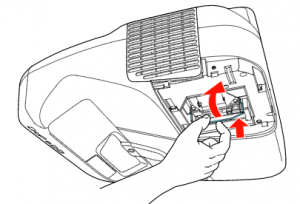
Pull up the handle on the bottom of the lamp and gently pull it out of the projector. NOTE: The SmartBoard 20-01175-20 projector lamp contains mercury and should properly recycled and NEVER thrown into regular garbage.
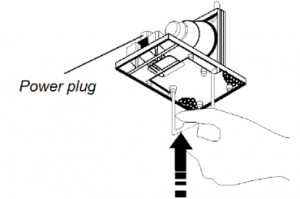 Remove all packaging from the new SmartBoard 20-01175-20 projector lamp. Press the tab, put the new lamp into the lamp slot, and push it all the way down. Release the tab.
Tighten the two lamp screws on the SmartBoard 20-01175-20 projector lamp. Slide the lamp cover back into its original position and tighten the screws. You are ready to reset the lamp timer.
Resetting the lamp timer
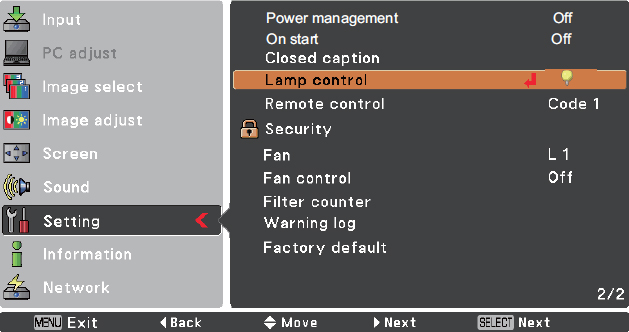
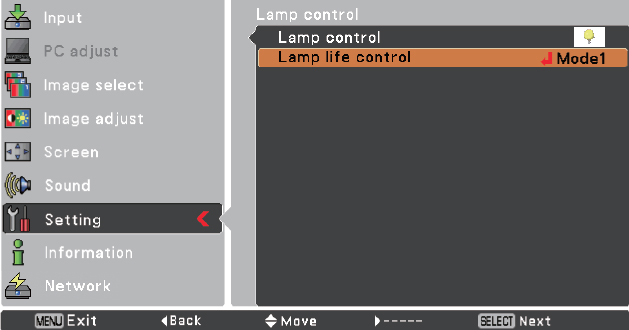
Your Smartboard 685ix projector has a built in lamp timer that tracks the life of the SmartBoard 20-01175-20 projector lamp. Whenever you change the lamp you need to reset the lamp timer back to zero.
- Using the remote control, press the following buttons quickly to access the service menu: Down, Up, Up, Left, Up.
- Scroll down to the Lamp Hour Reset field and press OK. Both Standard and Economy setting will be reset to zero.
- Press the Menu button on the remote control to make the SMART UF65 Setting menu appear.
- Select the Lamp Hours to confirm that it’s been reset to zero.
- Wait five minutes for the projector lamp to warm up.
Learn how to extend the life of your SmartBoard 20-01175-20 projector lamp with Top tips for extending DLP projector lamp life.
6 reasons to avoid counterfeit lamps:
- shorter lamp life
- created with toxic materials and carcinogenic parts including Krypton-85
- prone to explosions
- can damage the sensitive electronics in your projectors
- no safeguards to protect your eyesight
- no guarantee or refunds offered.
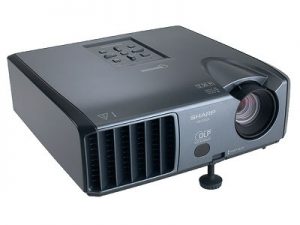 Change the Sharp PG-F200X projector lamp easily with this step-by-step guide.


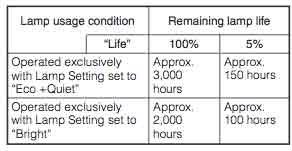
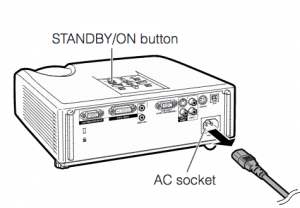
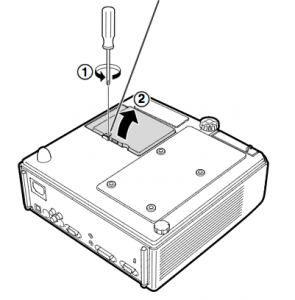
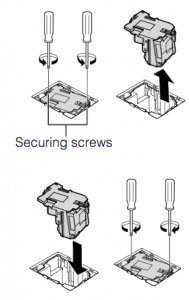 Remove the screws holding the
 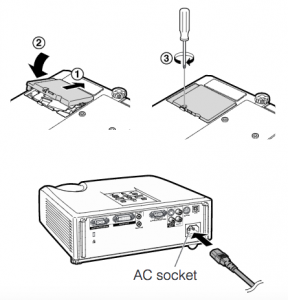 Note: The used
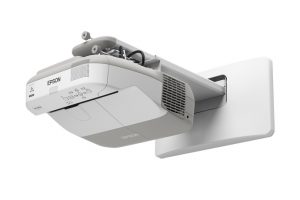 Our guide shows how to install a new Epson PowerLite 470 projector lamp.


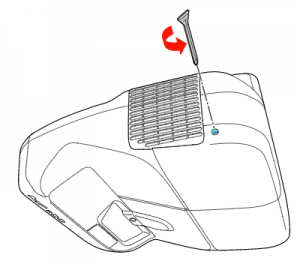 Loosen the screw holding the Epson PowerLite 470 projector lamp cover in place.
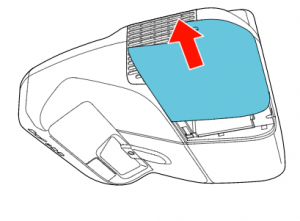 Slide the Epson PowerLite 470 lamp cover off and place it to one side.
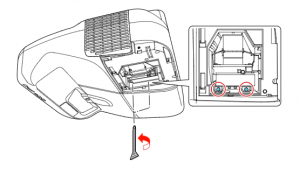 Loosen the two screws holding the Epson 470 projector lamp in place.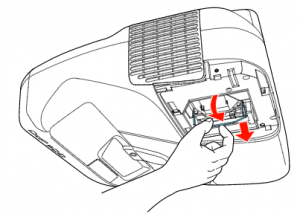
 Slowly insert the
  Tighten the screws on the newly installed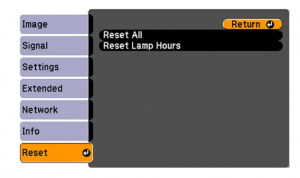

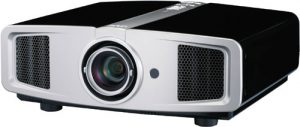 How to replace the JVC DLA-HD1 projector lamp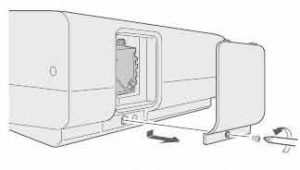
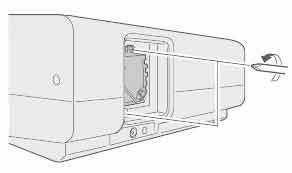 Loosen the two screws keeping the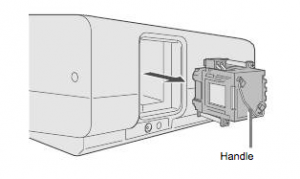

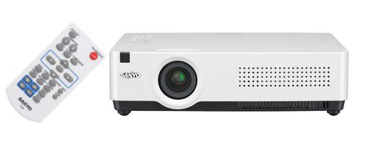
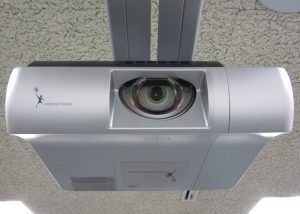 Replace the Sanyo Promethean PRM-10 projector lamp in three easy steps.
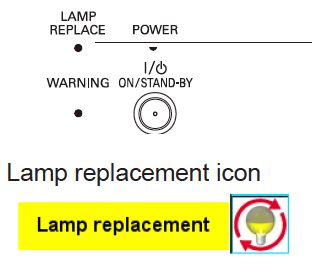
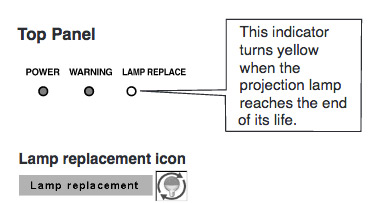 When it time to replace the Sanyo Promethean PRM-10 projector lamp the LAMP REPLACE indicator turns yellow light. Replace the lamp immediately. Other indications of end of lamp life can also be a poor picture, darker light or strange colours.


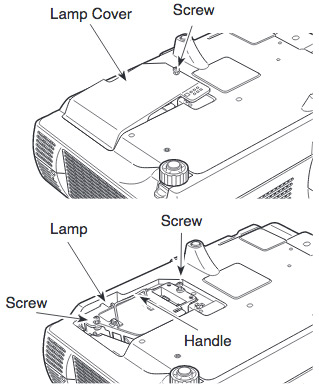
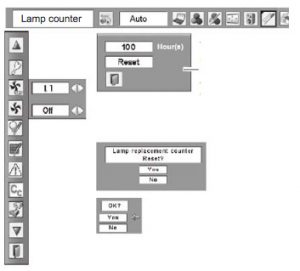 Reset the Sanyo Promethean PRM-10 Lamp Control Mode only when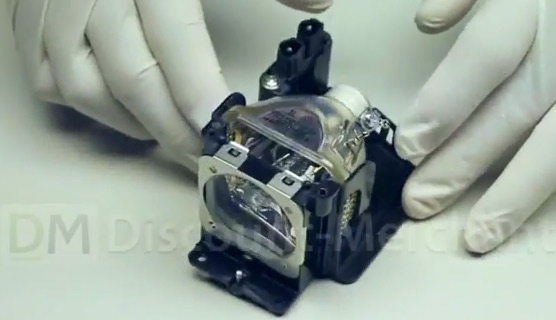
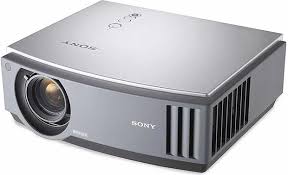 Our guide shows you how easy it is to replace the Sony VPL-AW10 projector lamp.
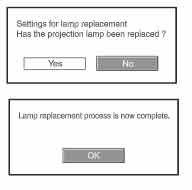
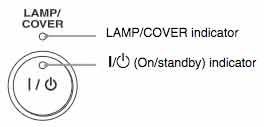 When Sony VPL-AW10 projector lamp is reaching end of life, the Lamp/Cover light will continue to flash red in 3 second intervals. The message “Please replace the Lamp/Filter” will also start flashing on screen. If the projector lamp dims or the color looks strange, change it immediately. Sony recommends replacing the air filter at the same as replacing the lamp.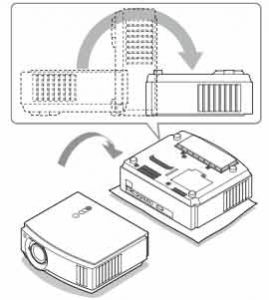
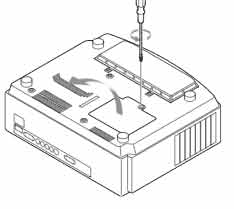
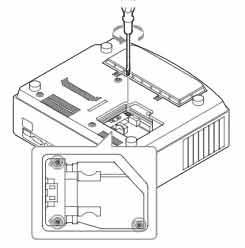 Using a Philips screwdriver, loosen the screw holding the projector lamp cover in place. Slide the projector lamp cover. Put it to one side.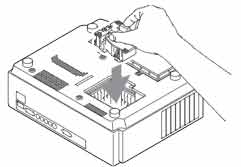
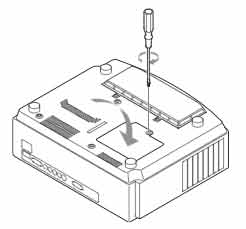 Also don’t touch the actual bulb in the new lamp as oily fingerprints can burn a black spot on the lamp when it heats up. NOTE: The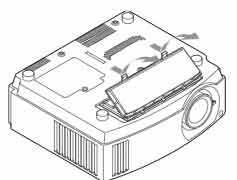


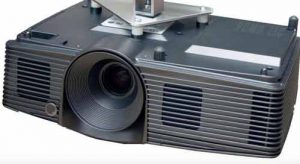 Change the BenQ DX818ST projector lamp


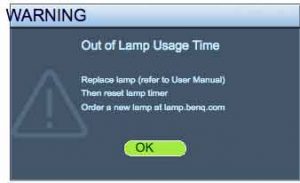 A flashing red light BenQ DX818ST projector lamp is reaching end of life. You’ll see four warning screens on the projector screen. You may also notice the image