Projectors and eye safety in the classroom

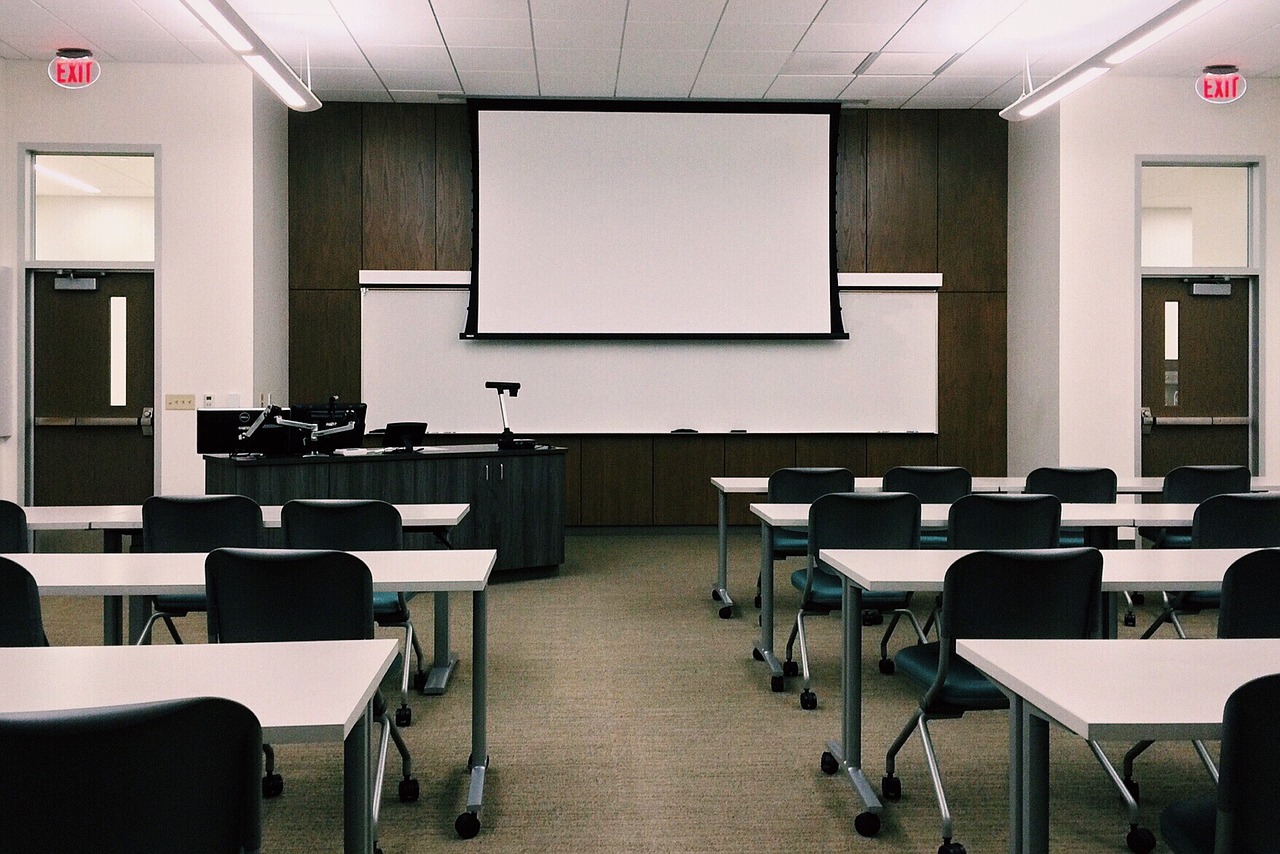
Create eye safety in the classroom when using projectors
Projectors are an excellent resource for teachers and professors allowing them to present subject matter in new ways. While projectors are quite a flexible tool for education purposes but you’ll need to create a culture of eye safety in the classroom.
One of the key health and safety concerns about using projection equipment in the classroom is preventing unnecessary exposure to the extremely bright UV light that projectors give off.
By following these simple guidelines, you can ensure your classroom stays safe and avoids any potential for eye damage:
- Remind students not to stare directly into the beam of the projector.
- Remind students never to look directly into the projector lens.
- At a distance of 4 feet, the recommended exposure limit before eyesight strain or injuries is 20 seconds. Try to keep the amount of time spent inside the beam at a minimum.
- Encourage students to keep their back to the projector beam when working at any interactive board.
- Never turn to face the class when in the beam but step out of the beam to interact with the audience.
- If students spend a great deal of time in front the projector beam consider investing in a neutral density filter than allows for brightness adjustments.
- Supervise younger children at all times when the projector is being used.
- Close the windows blinds instead of increasing the projector brightness.
- Use a maximum of 1,500 ANSI lumens for your projector. This is adequate for most classroom environments.
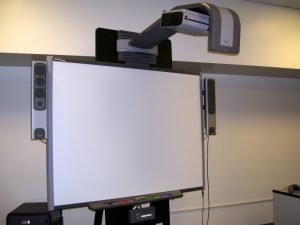
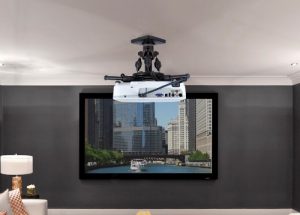
- If possible, mount the projector onto the ceiling or some other inaccessible location so it’s hard to step into the beam or to look directly into the projector lens.
- Make sure the screen or whiteboard is the proper size for the classroom. A small board in a large classroom will make viewing text or other visual difficult in a large classroom. Increasing brightness is NOT the way to correct this problem.
- Post health and safety reminders in the classroom close to projectors to remind everyone of the rules for projection use.
- Keep a bit of ambient light in the room to prevent eyestrain for happening. A perfectly dark room with a large projected image can create eye fatigue.
Learn more tips on making your classroom projector healthy:
Be sure to visit our School Projector page for more teacher resources.
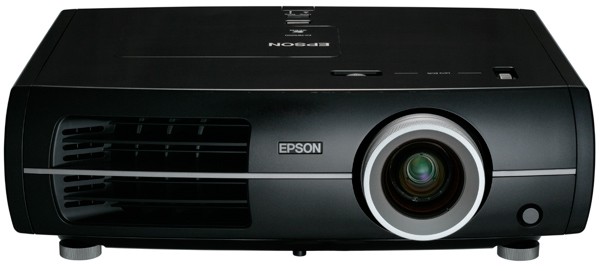
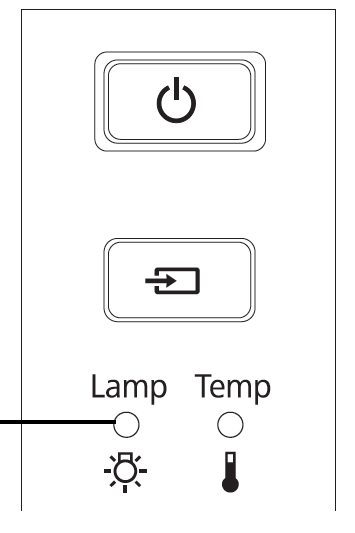


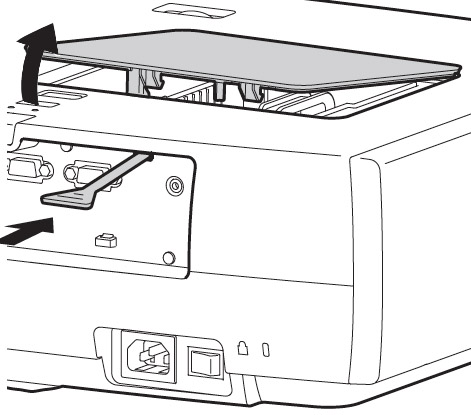
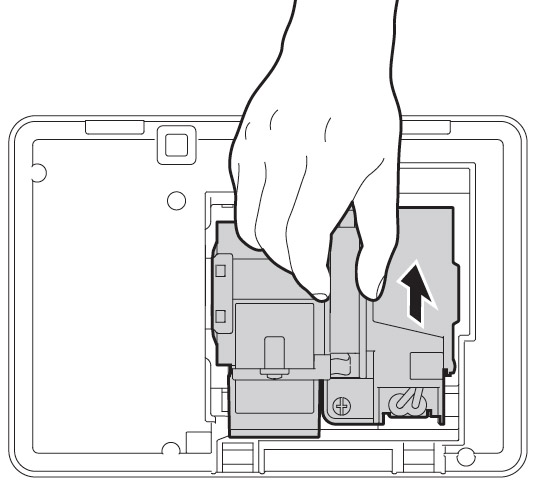
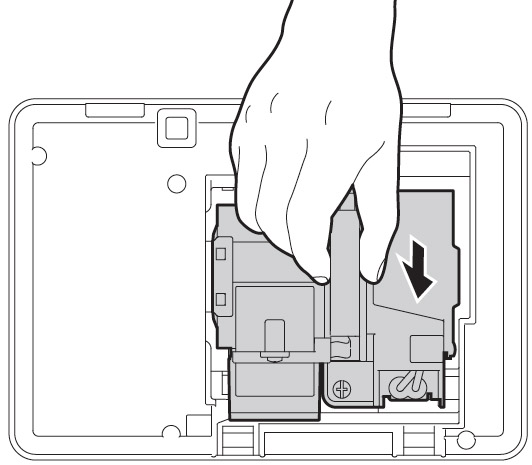
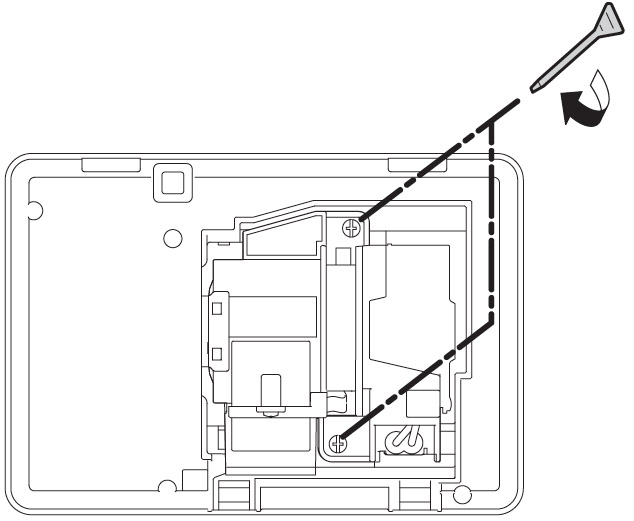
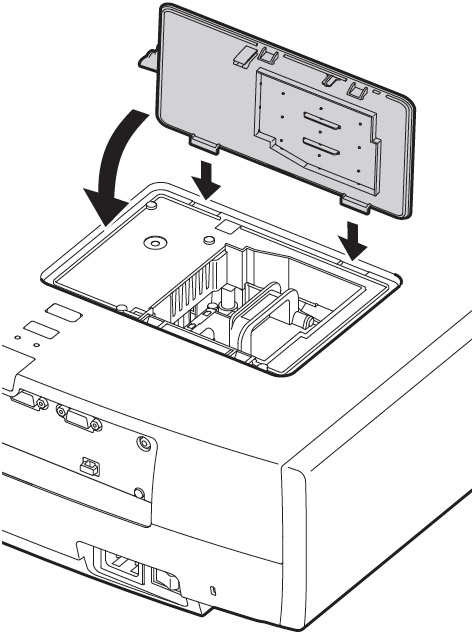
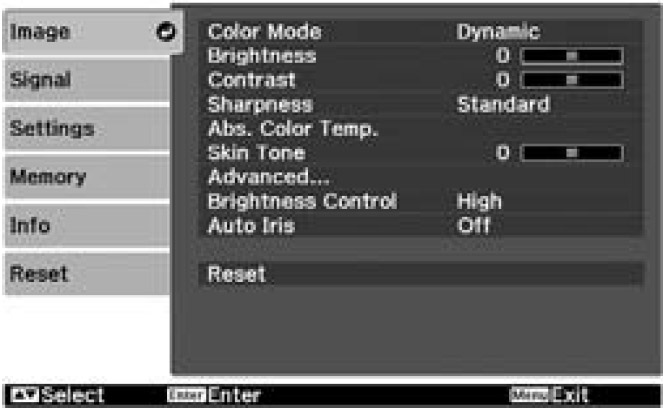
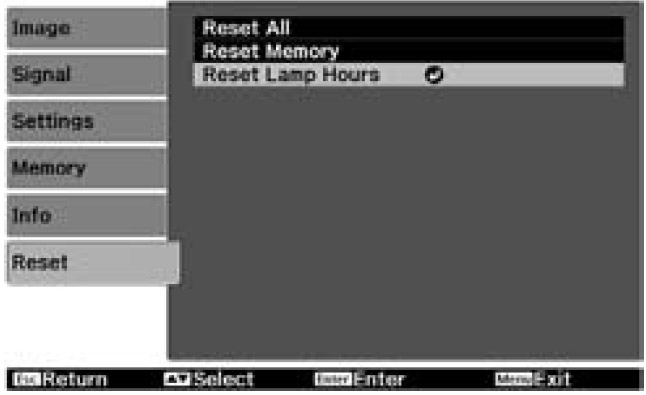
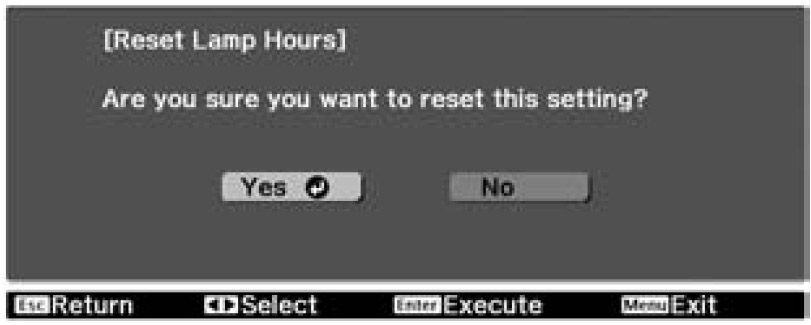
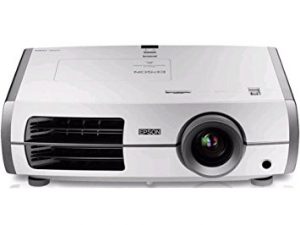 Use this guide to replace your Epson Home Cinema 8345 projector lamp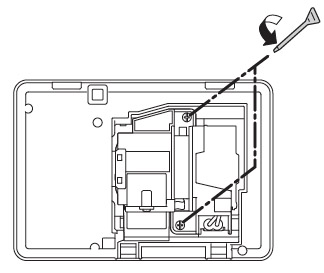
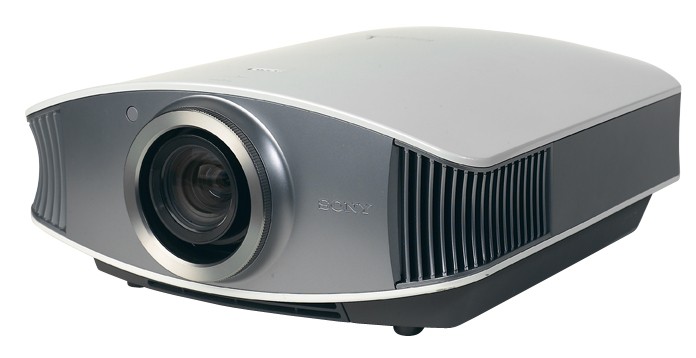


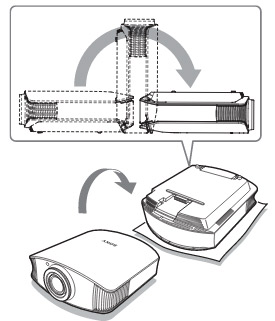
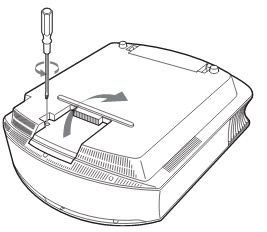
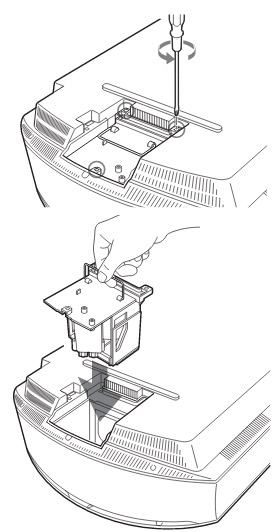
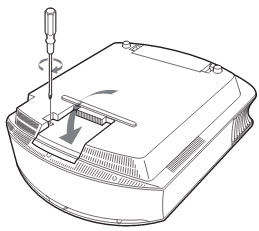
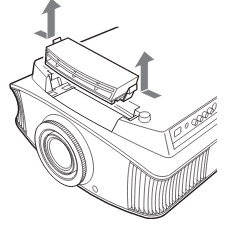
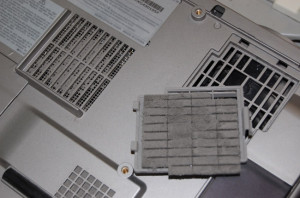
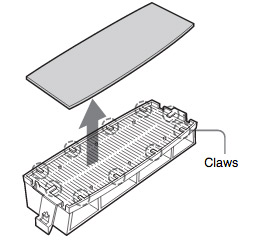 Remove the old Sony VPL-VW50 filter and put it to one side. Attach the new air filter so that is fits into the 10 claws properly on the holder.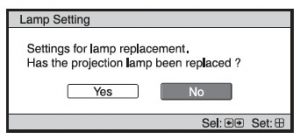
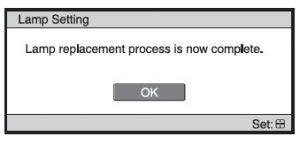


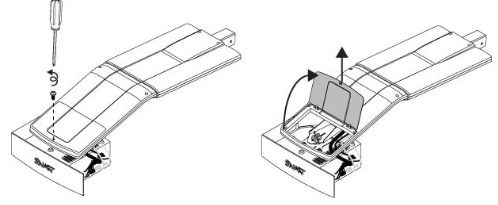 he projector and without applying pressure, remove the screw holding the cable cover in place. Lift the cover off.
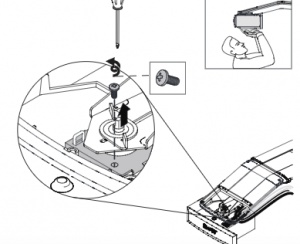 If you need access to the projector locking
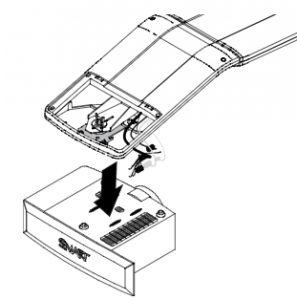 Take care as the projector will be loose once the screw on the mount have been loosened. Have the second person ready to hold the projector.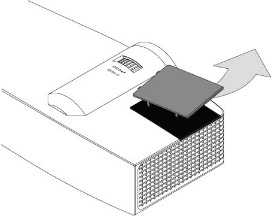
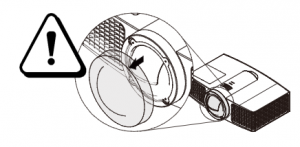
 Pull off the outer lamp cover with the your finger and set it aside.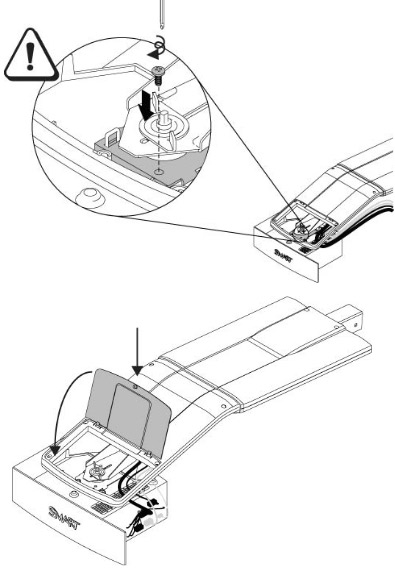
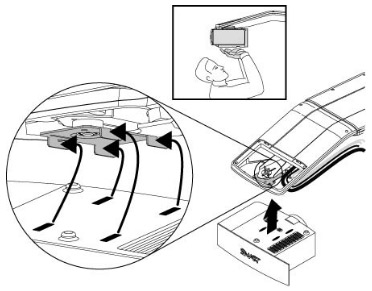
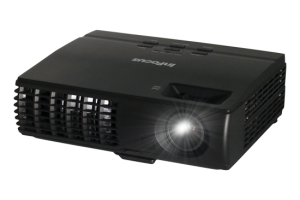 Install a replacement Infocus IN1124 projector lamp using this guide.
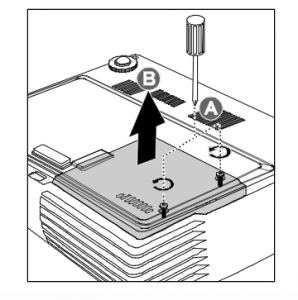
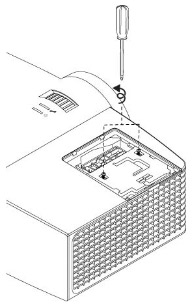
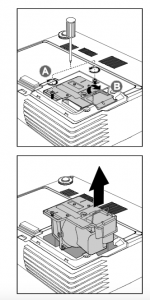 Remove the two screws from the lamp module.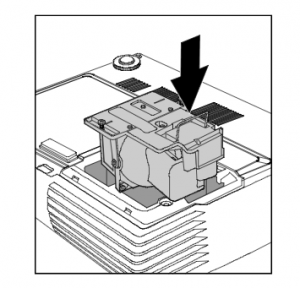
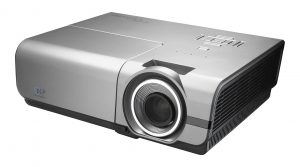 Follow this guide to replace the Optoma EH500 projector


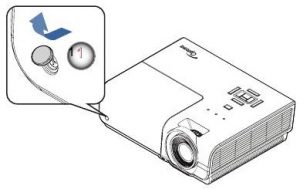
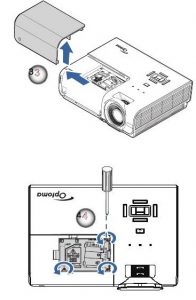
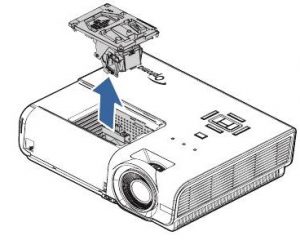
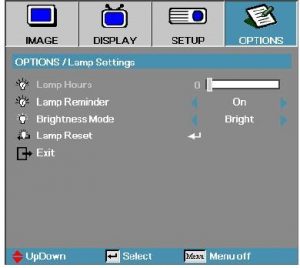
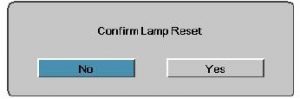
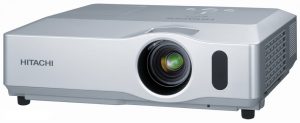 Install a new Hitachi CP-X450 projector lamp


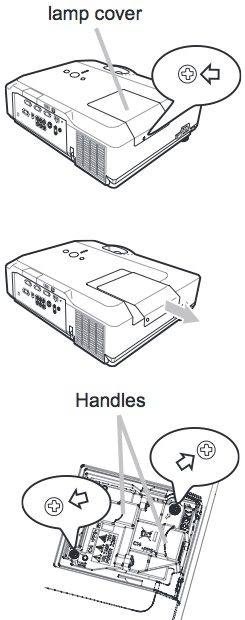 Safety steps before installing the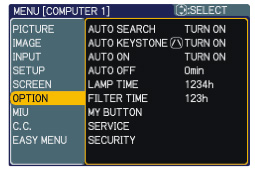
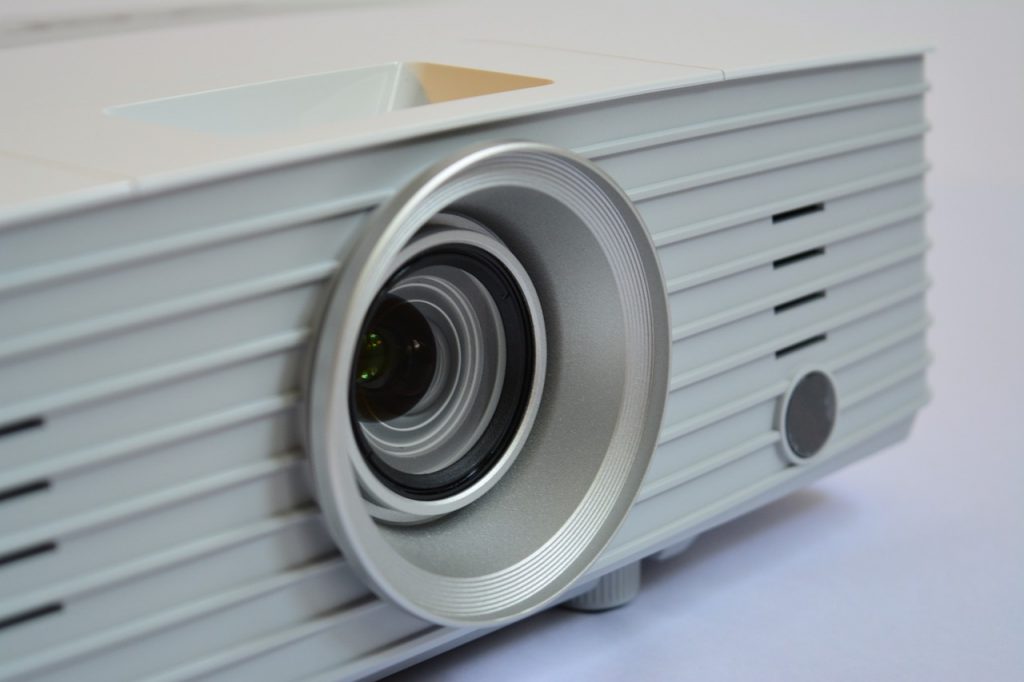
 Check airflow

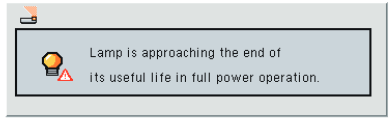
 Watch the lamp life