Install a replacement Epson EH-TW6600 projector lamp

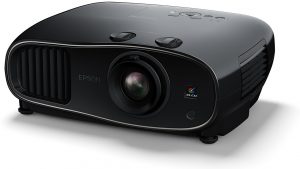 This guide shows how to replace the Epson EH-TW6600 projector lamp.
End of life warnings
The Epson EH-TW6600 projector lamp replacement message is set to appear after 3400 hours of use. It’s time to replace the when the following signs are seen:
- The projected image gets darker or starts to deteriorate.
- The message Replace the lamp appears on the screen
- The projector’s lamp light starts flashing orange and the power light starts flashing blue
- The lamp itself becomes darker or stops working altogether
Go with authentic
An authentic Epson EH-TW6600 projector lamp will keep your projector working at its best. Counterfeits simply can’t offer the same performance or value due to their many problems that include:
- shorter lamp life
- prone to explosions
- damage your eyesight
- exposure to toxic materials and carcinogenic materials
- damage to sensitive electronics in your projector
Look for the seal of approval before buying your projector lamp.
Find this lamp on Amazon sold by these authorized dealers:
Epson ELPLP85 Replacement Projector Lamp

Installing the new Projector Lamp
The Epson EH-TW6600 uses the Epson ELPLP85 projector lamp.
Before installation:
- Turn off power switch on EH-TW6600 projector.
- Unplug the electrical cord.
- Allow the EH-TW6600 projector to cool down. It should be cool to the touch before you open it to change the projector lamp. Otherwise you run the risk of burning yourself.
- Do not operate the projectors while the lamps have been removed as this may result in malfunctions, fire hazard and other accidents.
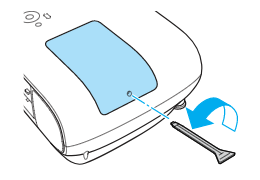
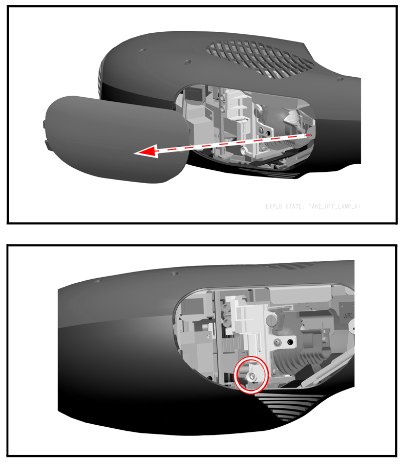
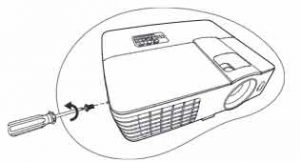
- The lamp cover is found on top of the EH-TW6600 projector. Loosen the lamp cover screw — you can’t remove it only loosen it.
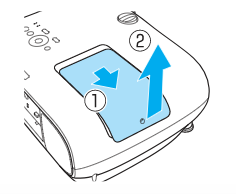
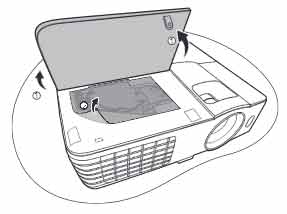
- Slide the projector lamp cover off.
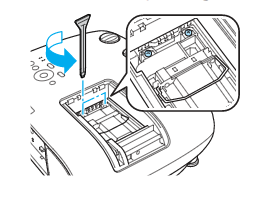
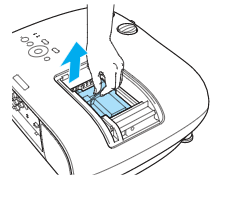
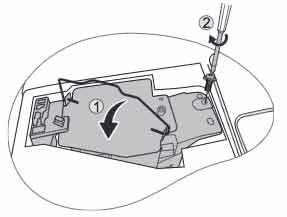
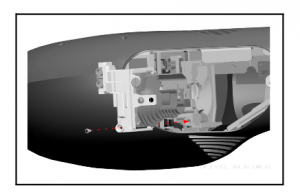
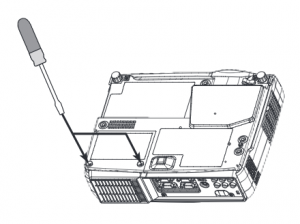
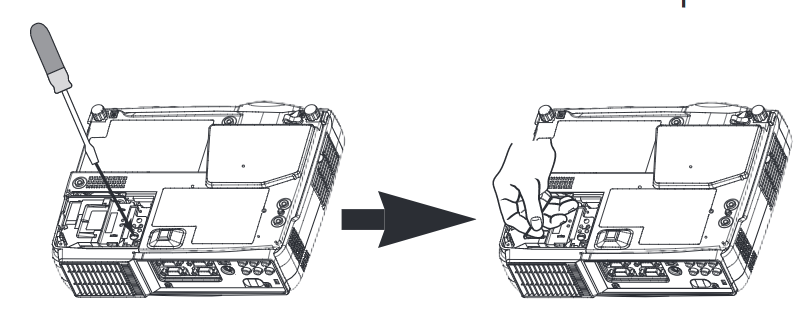
- Loosen the two screws holding the Epson ELPLP85 projector lamp in place.
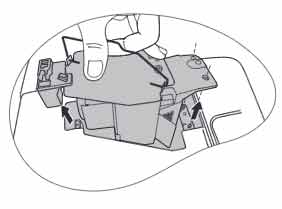
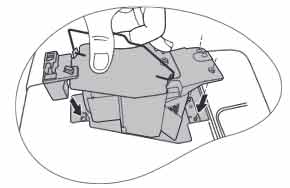
- Using the wire handle on the projector lamp, gently pull the lamp out. Be careful not to bang the lamp against the projector. NOTE: The Epson ELPLP85 projector lamp contains mercury and should be recycled properly.
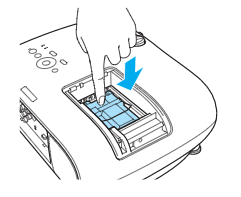
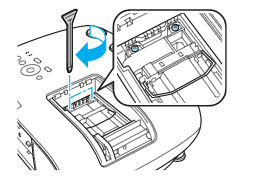
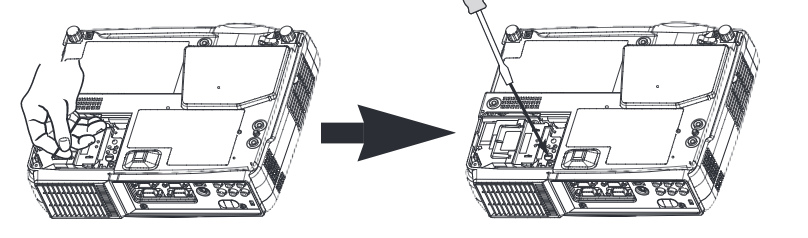
- Gently insert the replacement Epson ELPLP85 projector lamp making sure it’s facing the right way.
- Be sure not to touch the actual glass bulb as the oil from your fingers will leave a black mark on the screen.
- Tighten the screws on the new Epson ELPLP85 projector lamp. Be sure not to tighten too much or the lamp may not work.
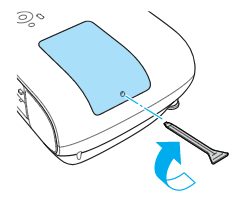
- Replace the lamp cover and tighten the screw on the projector lamp cover. You are now ready to reset the projector lamp timer.
Reset the projector lamp timer
Reset the EH-TW6600 projector Lamp Replacement Counter only when the Epson ELPLP85 projector lamp has been replaced. Otherwise the projector may run past the recommended lamp life and suffer an explosion.
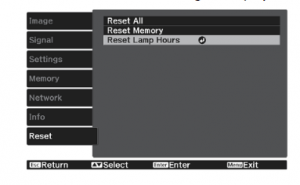
- Turn on the projector
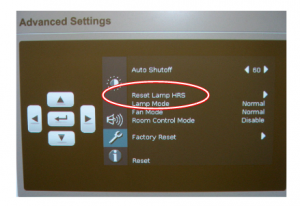
- Press the MENU button on the remote control. The Lamp Reset Menu will appear.
- Scroll down to the RESET MENU. Press ENTER.
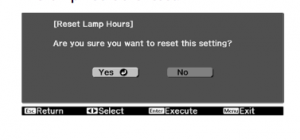
- Select RESET LAMP HOURS. Press ENTER.
- Select YES to the prompt asking if you want to reset the lamp hours. Press ENTER.
- Press MENU to exit.
Prolong the life of the EH-TW6600 projector lamp:
Extend the life of the newly installed Epson ELPLP85 projector lamp with the following tips:
- Keep your air filters clean to avoid overheating the projector.
- Turn off the EH-TW6600 projector and let it stand for at least one hour ever 24 hours. An average use of four to five hours per day will ensure longer lamp life.
- Make sure there is enough airflow around the projector particularly if it’s been permanently mounted.
- Learn more with Top tips for extending DLP projector lamp life
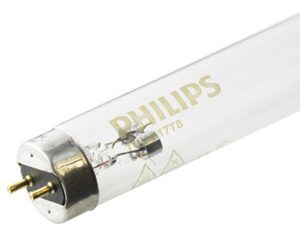 Germicidal bulbs are becoming popular in the work place and at home.
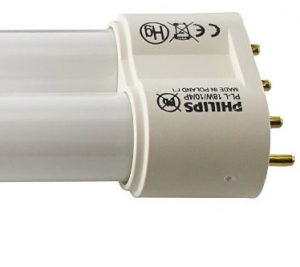 Germicidal bulbs look similar to fluorescent light bulbs. It can be hard to tell them apart since they have the same basic shape with hot and cold cathode used. Both produce ultraviolet radiation inside the bulb that uses low pressure mercury to produce the light.
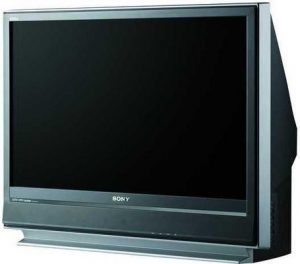 This step-by-step guide helps you replace the Sony KDF-37H1000 TV lamp.

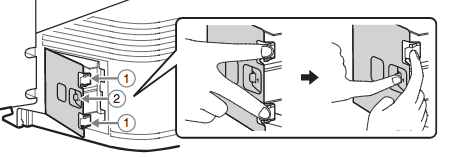
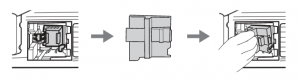
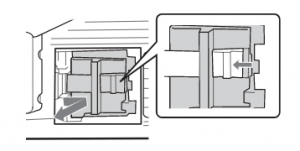 Remove the KDF-37H1000 TV lamp door by holding the door knob. Press the door lever toward the door knob in the direction the arrow is pointing. Then, pull the lamp door out of the TV towards you.
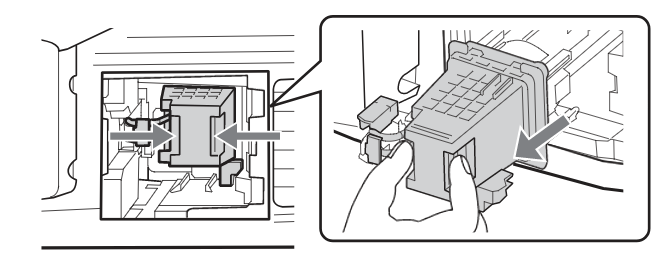 Pull the lamp out of the TV by gripping the indented grooves on the lamp. Pull the lamp straight out of the KDF-37H1000 TV. NOTE: Be sure to recycle the
 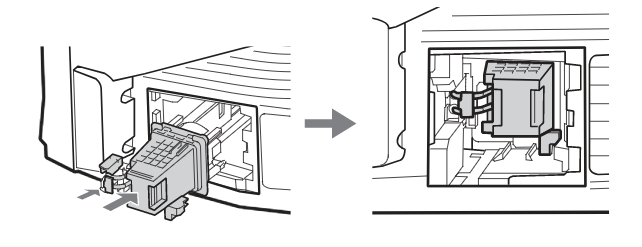 Slide the new lamp into its place.
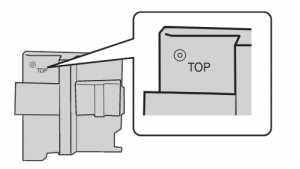 Reattach the lamp door. Be sure that the word “TOP” imprinted on the
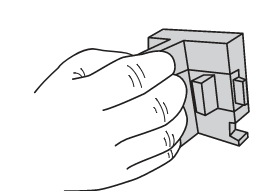 Grip the door knob, but do not hold in the
 Keep the door at a slant, slide the lamp door into the compartment by leading with the left side. Insert the two tabs into the slot and follow the guide rail. Once the left side can no longer be pushed in, press
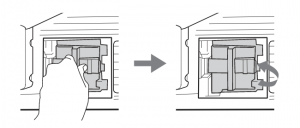 Shut the lamp door by releasing the door lever. When you hear a clicking sound the lamp door is secure. Make sure it is securely closed by tugging on the door knob.
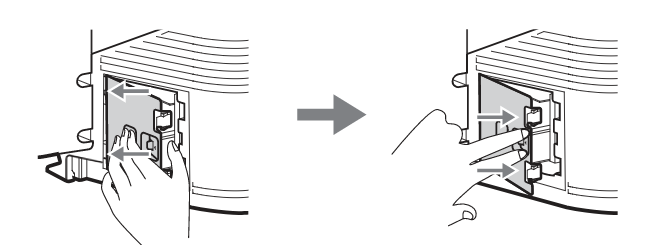 Put the outside lamp cover back in its place. Insert the two small tabs from the left side of the outside lamp cover into the slots of the TV. Push in the two larger tabs of the outside lamp cover on the right side into the TV. The outside lamp cover is securely closed if you hear two
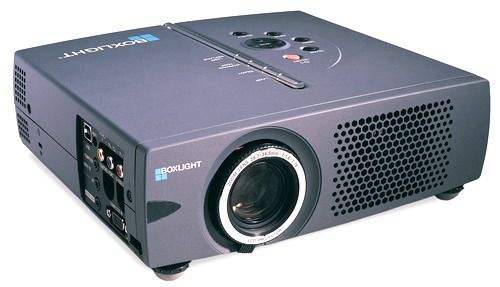 Replace the Boxlight CP-322i projector lamp following this guide.
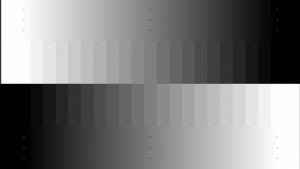
 The projector contrast ratio makes all the difference in your view!
 Location matters
 Check the settings
 Light makes a difference
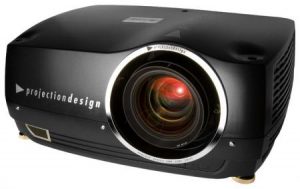 How to install a replacement ProjectionDesign Cineo 3 projector lamp


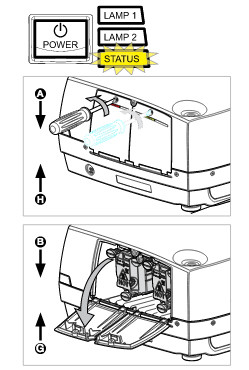
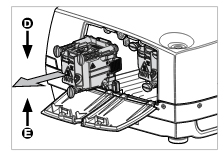
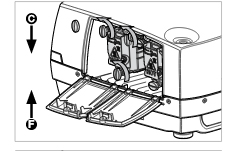
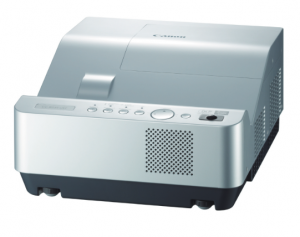 Learn how to replace the Canon LV-8235 projector lamp.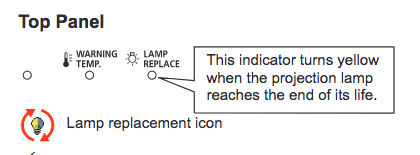


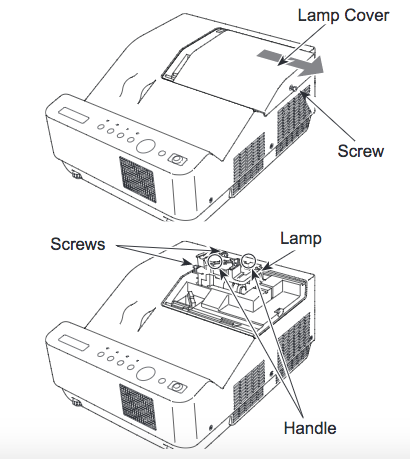
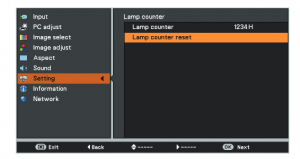
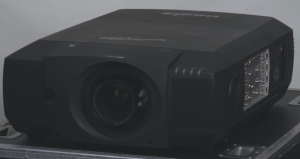 This guide shows how to replace the Christie RoadRunner LX77 projector lamp.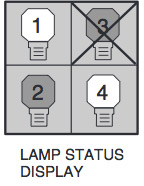


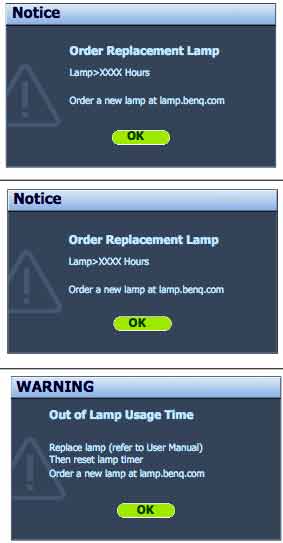
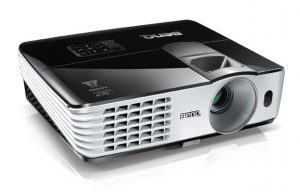 Follow these instructions to replace the BenQ MX615 projector lamp.
 Q MX615projector.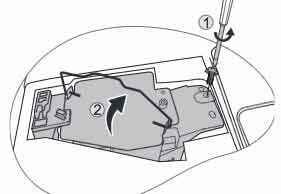
 Insert the new