Install a replacement Sharp XG NV2U projector lamp

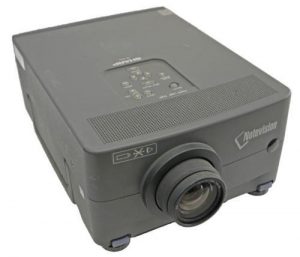 Change the Sharp XG NV2U projector lamp using this guide
When the Sharp XG NV2U projector lamp is nearing the end of its operating life, the picture and color quality will deteriorate. Depending on the usage and maintenance, you can expect up to 2,000 hours of life with your Sharp XG NV2U projector lamp.
Find this lamp on Amazon sold by these authorized dealers:


Checking lamp status
Installing the projector lamp
The Sharp XG NV2U projector uses the Sharp BQC-XGNV2U projector lamp.
Before replacing the Sharp XG NV2U projector lamp follow these important safety tips:
- Press power button on the projector.
- Wait until the cooling fan stops.
- Disconnect the power cord.
- Unplug the power cord from the AC socket.
- Allow the projector to cool down for at least one hour. If should be cool to the touch. The Sharp XG NV2U projector uses high temperatures and you can burn yourself badly if you don’t allow the projector to cool down.
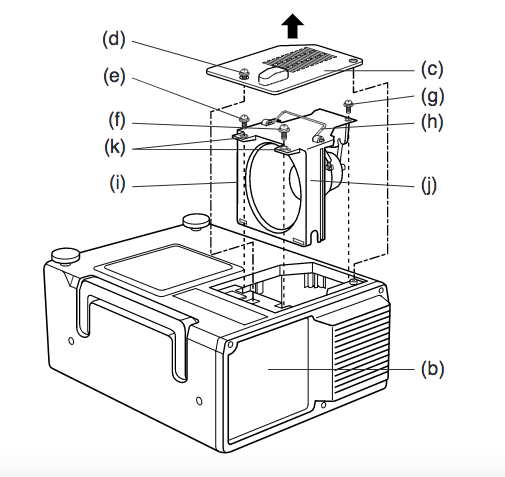
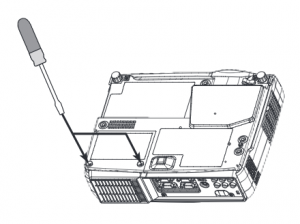
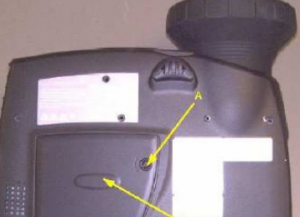
Turn over the Sharp XG NV2U projector onto a soft service and loosen the two screws holding the projector lamp cover on place. (d) and (c)
Slide the cover off away from the projector and place it to one side.
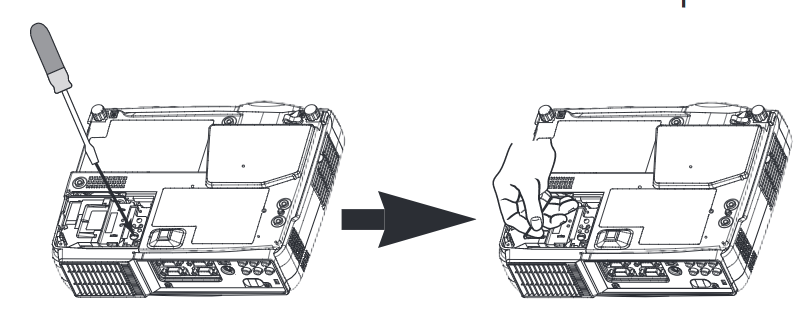
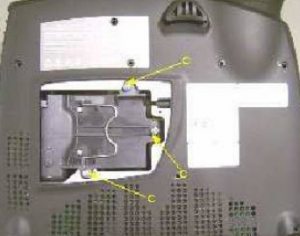
Remove the three screws (e), (f) and (g) holding the Sharp BQC-XGNV2U projector lamp
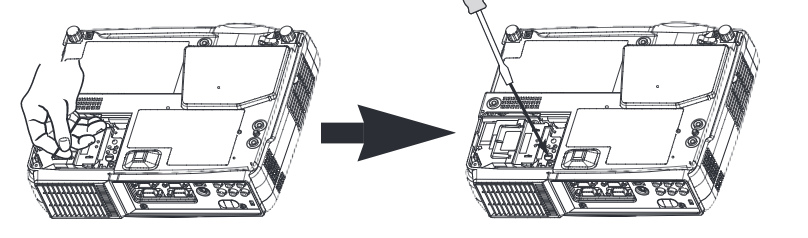
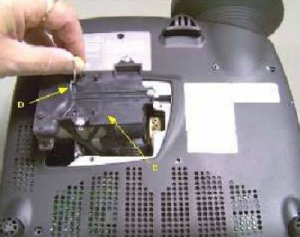
Hold the lamp cage (i) by the wire handle (h) and pull it upwards towards you. Take the new Sharp BQC-XGNV2U lamp by the handle (h). Make sure the grooves on the side of the lamp cage are properly aligned (j) with the projectors lamp compartment. Be sure to align the top screw holes of the lamp cage (k) are aligned with the screw holes in the Sharp XG NV2U projector.
Reset the projector lamp timer
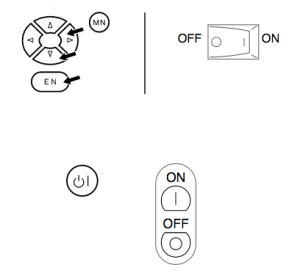 Plug in the power cord.
- While pressing the ADJUSTMENT left arrow and ADJUSTMENT down arrow along with the ENTER button on the projector, press the MAIN POWER switch.
- Press the POWER ON/OFF button on the projector or the POWER button on the remote control to turn on the power.
- “LAMP 0000H” is displayed, indicating that the lamp timer is reset
Why invest in an authentic projector lamp
The Internet has been flooded with generic projector lamps claiming to be “compatible” with Sharp XG NV2U projector. For the few dollar you save, these projector lamps bring more problems to the table. Protect your investment and buy an OEM projector lamp.
7 reasons to avoid generic lamps:
- can damage the sensitive electronics in your projector
- shorter lamp life than original lamps
- no guarantee or refunds
- no safeguards to protect your eyesight
- created with toxic materials and carcinogenic parts including Krypton-85
- prone to explosions
- installing a generic lamp voids your projector’s warranty.
Learn more with Top tips for extending DLP projector lamp life.
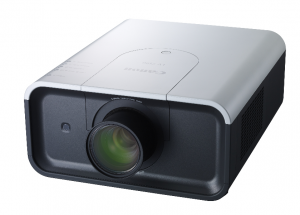 This guide shows you how to replace the Canon LV-7590 projector lamp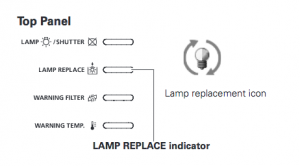


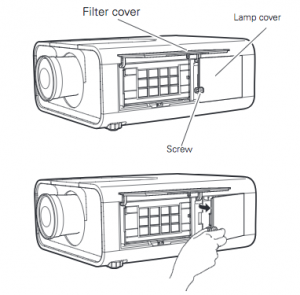
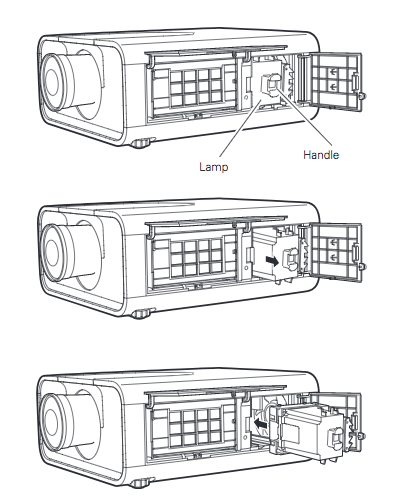
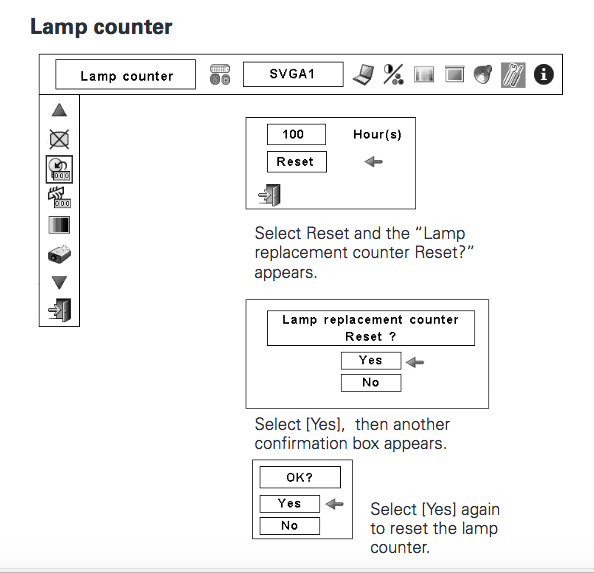
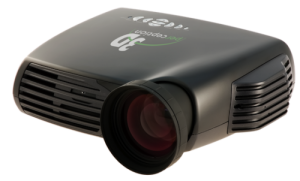 When it’s time to change your 3D perception CINEO 20 projector lamp consult our guide.


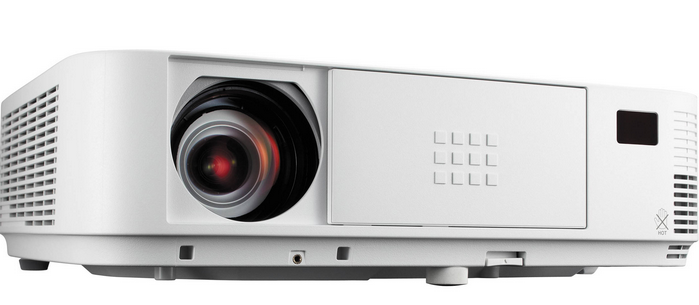 Follow this guide to replace the NEC M282X projector lamp
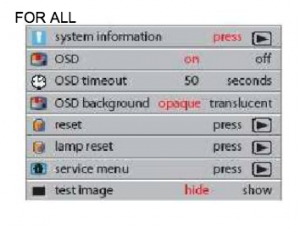
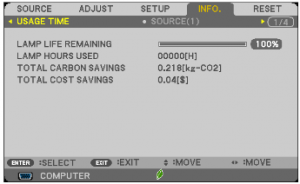 Track the life of the NEC M282X projector lamp from the Usage Time menu.


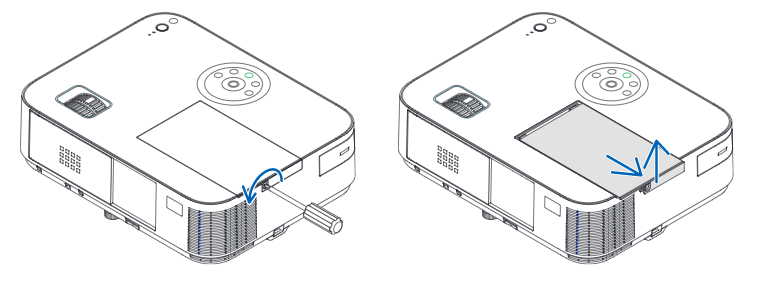 Loosen the NEC M282X lamp cover screw.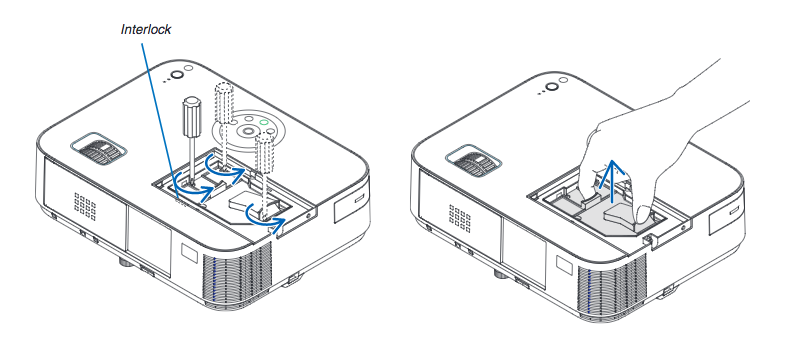
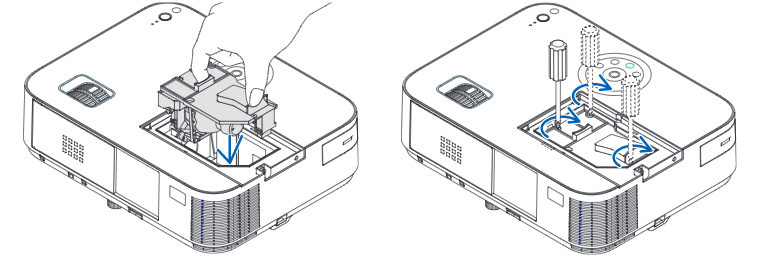
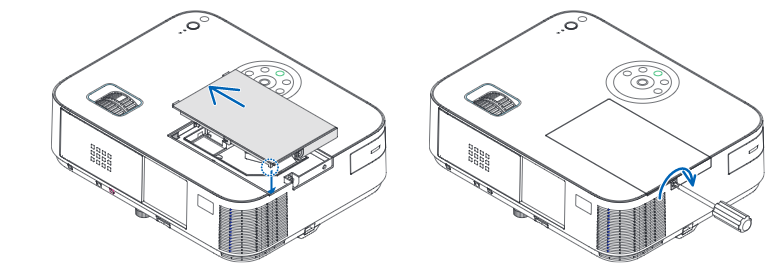 Re-attach the NEC M282X lamp cover by sliding the cover until it snaps into place. Tighten the screw on the lamp cover.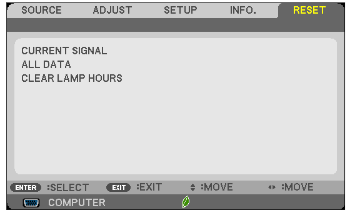
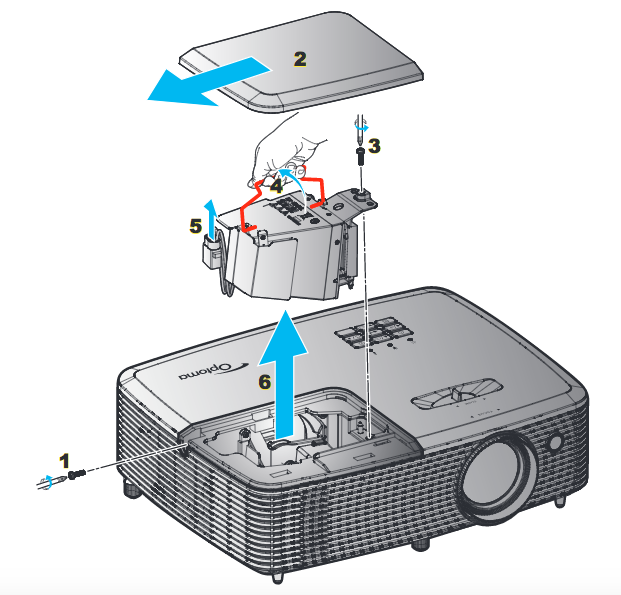
 Follow this step-by-step guide for replacing the Optoma HD27D projector lamp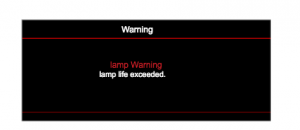

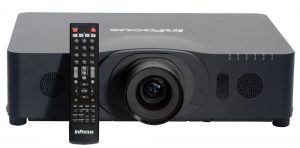 Replace the Infocus IN5132 projector lamp by following this guide
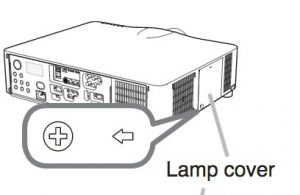
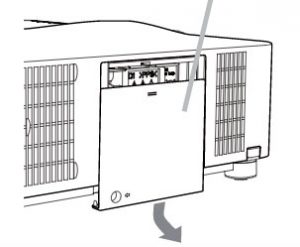
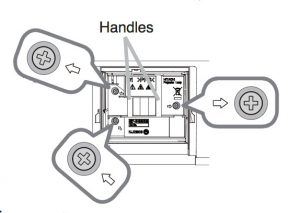
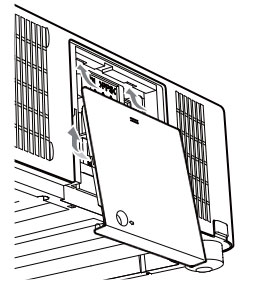
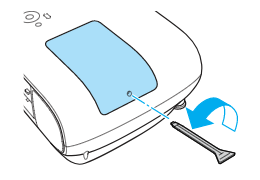
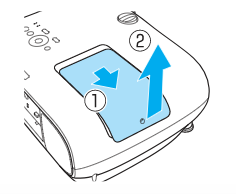
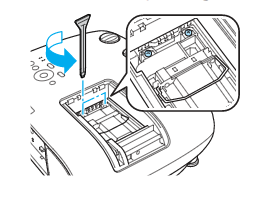
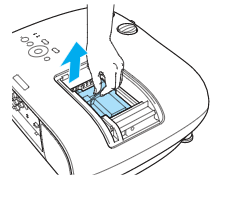
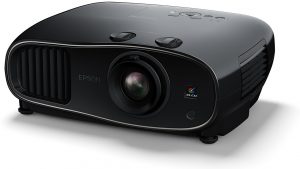 This guide shows how to replace the Epson EH-TW6600 projector lamp.
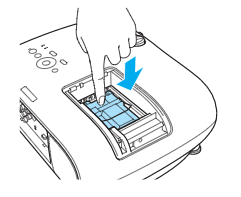
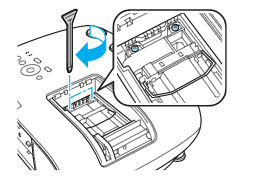
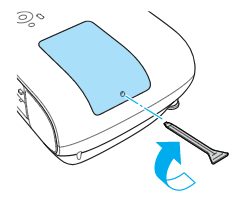
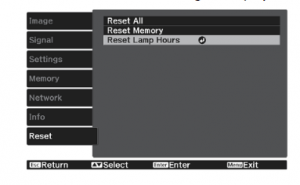
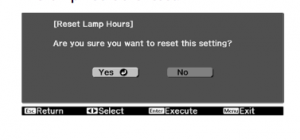
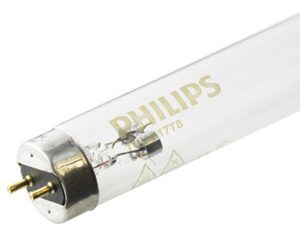 Germicidal bulbs are becoming popular in the work place and at home.
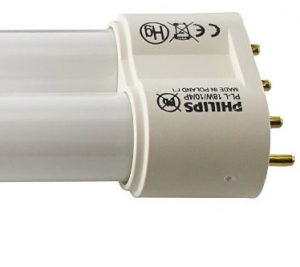 Germicidal bulbs look similar to fluorescent light bulbs. It can be hard to tell them apart since they have the same basic shape with hot and cold cathode used. Both produce ultraviolet radiation inside the bulb that uses low pressure mercury to produce the light.
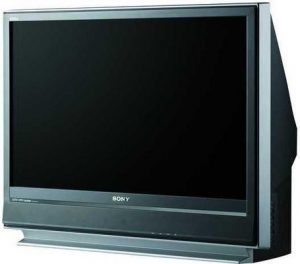 This step-by-step guide helps you replace the Sony KDF-37H1000 TV lamp.

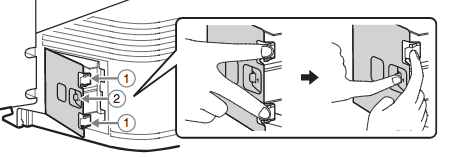
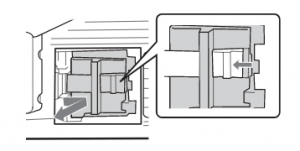 Remove the KDF-37H1000 TV lamp door by holding the door knob. Press the door lever toward the door knob in the direction the arrow is pointing. Then, pull the lamp door out of the TV towards you.
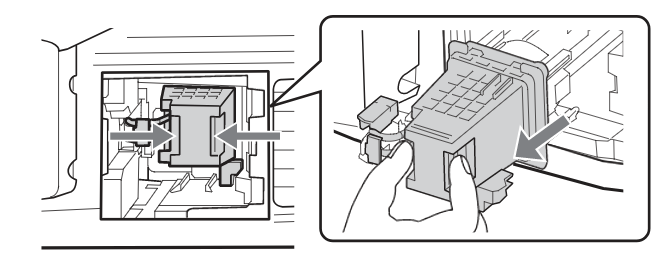 Pull the lamp out of the TV by gripping the indented grooves on the lamp. Pull the lamp straight out of the KDF-37H1000 TV. NOTE: Be sure to recycle the
 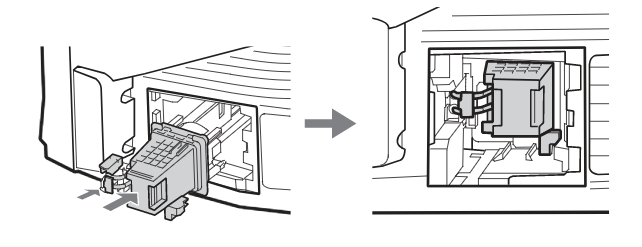 Slide the new lamp into its place.
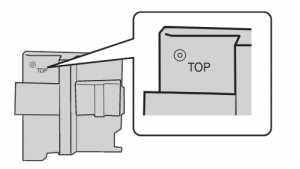 Reattach the lamp door. Be sure that the word “TOP” imprinted on the
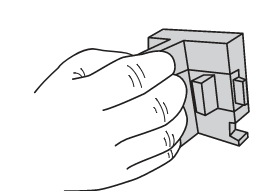 Grip the door knob, but do not hold in the
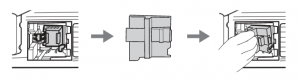 Keep the door at a slant, slide the lamp door into the compartment by leading with the left side. Insert the two tabs into the slot and follow the guide rail. Once the left side can no longer be pushed in, press
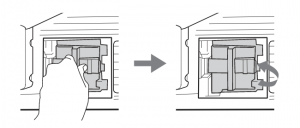 Shut the lamp door by releasing the door lever. When you hear a clicking sound the lamp door is secure. Make sure it is securely closed by tugging on the door knob.
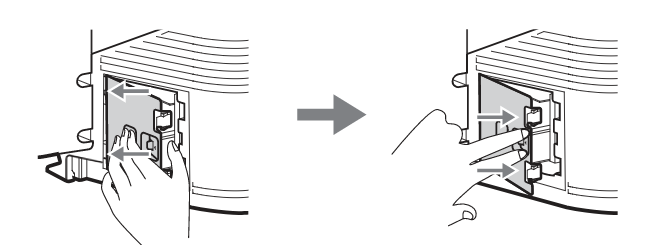 Put the outside lamp cover back in its place. Insert the two small tabs from the left side of the outside lamp cover into the slots of the TV. Push in the two larger tabs of the outside lamp cover on the right side into the TV. The outside lamp cover is securely closed if you hear two
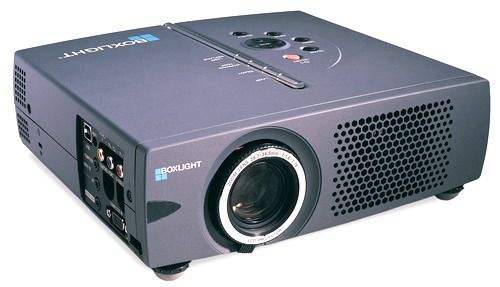 Replace the Boxlight CP-322i projector lamp following this guide.