
Replace the Epson EB945 projector lamp

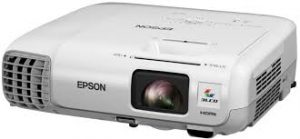 When it’s time to replace the Epson EB945 projector lamp follow this guide
When it’s time to replace the Epson EB945 projector lamp you’ll notice the power indicator is flashing blue, and the lamp indicator is flashing orange. You may also notice the picture has gone dimmer or the color is off. An on screen message will also appear; “Time to replace the lamp. ” You can expect 4900 hours of use when the projector is set to Normal and about 5900 hours when the ECO mode has been started.
Why invest in authentic?
The best thing you can do to keep your prjector working properly is to buy an authentic Epson EB945 projector lamp. Most counterfeit lamps cost more in the long run because they have a shorter life than original lamps. While counterfeits claim to be compatible they are often created with toxic materials including including Krypton-85. Lamps that are not OEM are prone to explosions and usually can damage the projector’s sensitive optics. Your eyesight is also at risk. Buy an OEM authentic Epson EB945 projector lamp and keep your projector working properly.
Find this authentic lamp on Amazon:
- ELPLP78 Projector Lamp for PowerLite 1222/1262W/98/99W/965/S17/W17/X17
- ELPLP78 / V13H010L78 Replacement Projector Lamp for EPSON EB-945 / EB-955W / EB-965 / EB-98 / EB-S17 / EB-S18
- ELPLP78 V13H010L78 Lamp for Epson EB-S03 EB-S18 EB-S120 EB-W18 EB-X18 EB-W120 EX3220 EX5220 EX6220 EX7220 Projector Lamp Bulb
- Epson V13H010L78 Lamp Replacement for select Epson models
- Epson Projector Lamp Part ELPLP78-ER V13H010L78 Model Epson EB EB-S03 EB EB-S120
- Epson Replacement Projector Lamp for PowerLite, EX, and VS Series Projectors (ELPLP78 )
- Original Osram ELP-LP78 Lamp & Housing for Epson Projectors
- Projector Lamp ELPLP78 / V13H010L78 for EPSON EB-945, EB-955W, EB-965, EB-98, EB-S17 with Japan phoenix original lamp burner


Installing the lamp
The Epson EB945 projector uses model Epson ELPLP78. Before installation:
- Turn off the Epson EB945 projector and unplug the AC cord.
- Allow the projector to cool for one hour – it should be cool to the touch. Inside of the projector can be very hot since these machines operator under high temperatures and you run the risk of being burned if the projector has not cooled down.
- Do not operate the projectors while any of the lamps are removed as this may result in malfunctions, fire hazard and other accidents.
Caution: Don’t touch the screen or the actual bulb with your finger since the oil from your skin can cause a black spot on the bulb.
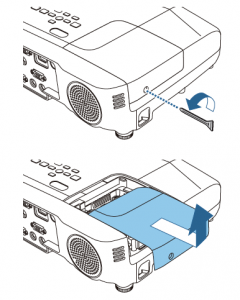
The Epson EB945 lamp cover is on the side. Using a screwdriver to gently release the cover switch. Slide the lamp cover off.
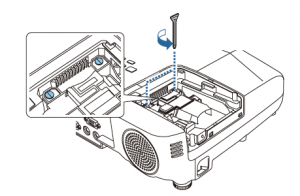 Remove the two screws on either side of Epson ELPLP78 lamp. Place the screws to either side. Grip the raised section of the old lamp and remove it.
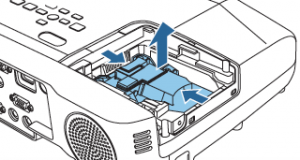
Take the new Epson ELPLP78 projector lamp by the handle and gently put it into place making sure the lamp is facing in the right direction.
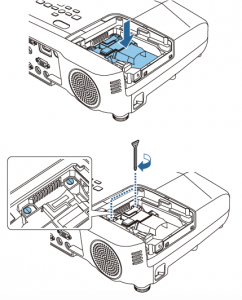
Replace the projector lamps screws and re-connect the lamp cover. Re-attach the power cord. Turn the projector on and let it warm up. You are ready to reset the lamp timer.
NOTE: The Epson ELPLP78 lamp contains mercury and should not be thrown into regular garbage. Recycle your used lamp.
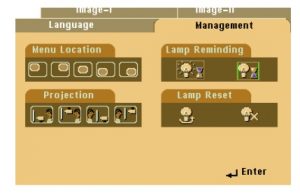
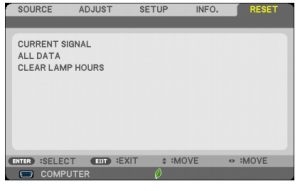
Reset Lamp Timer
Reset the Epson EB945 Lamp Replacement Counter only when the Epson ELPLP78 lamp has been replaced.
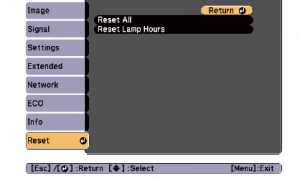
- Press MENU to display the RESET menu.
- Press the down arrow to move down the menu to the RESET ALL option.
- A prompt message appear. Select YES and press ENTER.
- The lamp hours will be reset to zero.
- Press MENU or ESC to exit the menu
- The lamp timer will be a zero.
Extend the life of the newly installed Epson ELPLP78 with the following tips:
- Keep your air filters clean to avoid overheating the projector.
- Turn off the Epson PowerLite 93 and let it stand for at least one hour ever 24 hours. An average use of four to five hours per day will ensure longer lamp life.
- Make sure there is enough airflow around the projector particularly if it’s been permanently mounted.
- Learn more with Top tips for extending DLP projector lamp life


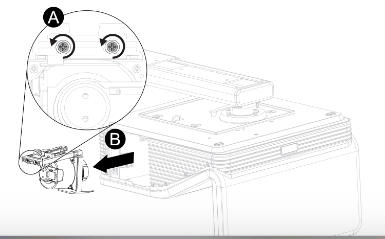
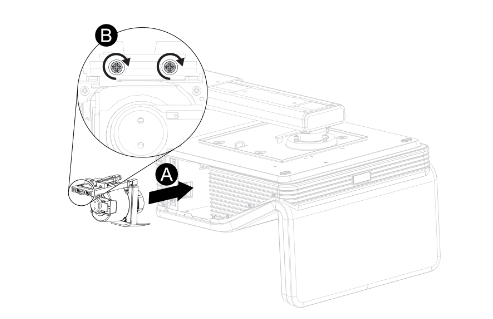 Remove all packaging from the new
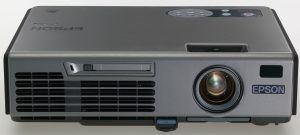 To replace the Epson EMP-5500 projector lamp follow this guide.


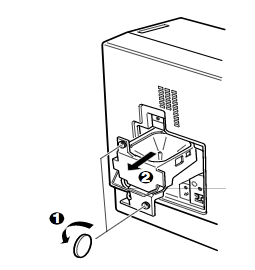
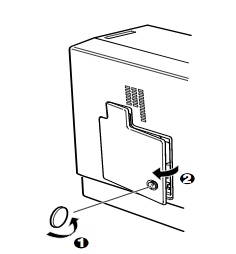 Use the screwdriver provided loosen the screw holding the Epson EMP-5500 projector lamp cover in place. Slide the Epson EMP-5500 projector lamp cover off and place it to one side.
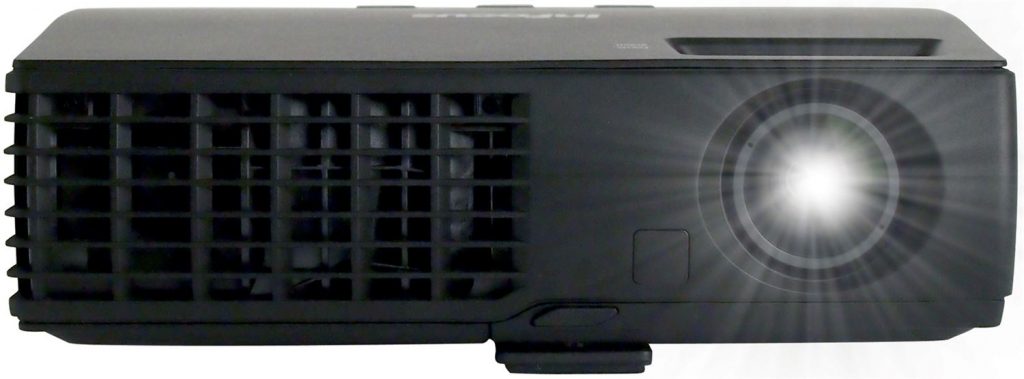 How to install a replacement Infocus IN1126 projector lamp
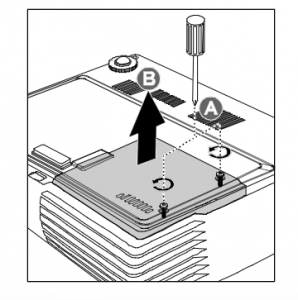
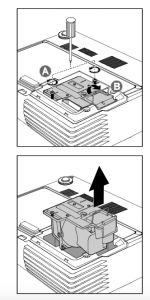 Remove the two screws from the lamp module.
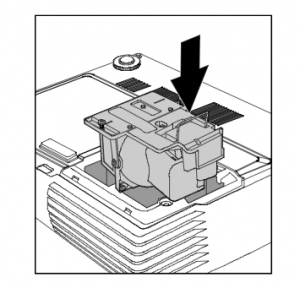
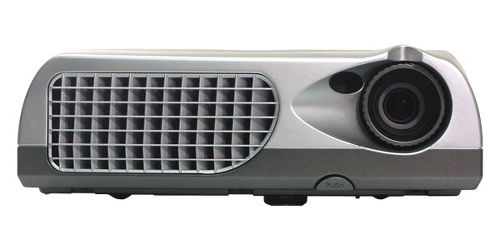 Follow this step-by-step installation guide for installing a new Optoma W501 projector lamp

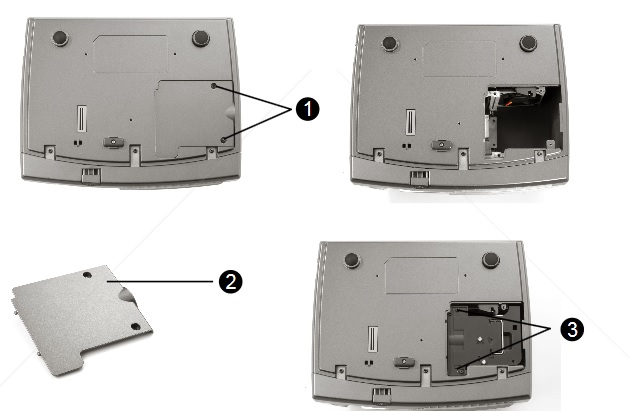

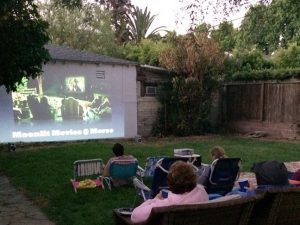 The screen


 Stay flexible. Don’t get too hung up on picture quality. You’re not going to get the same resolution as viewing indoors. It’s actually more important to have the image bright and crisp rather than a high resolution. Adjust the focus along with the keystone to compensate for the change in environment.
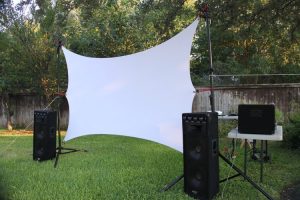 Focus on the sound
 Relax and have fun!

 Location, location, location
 Protection, protection, protection


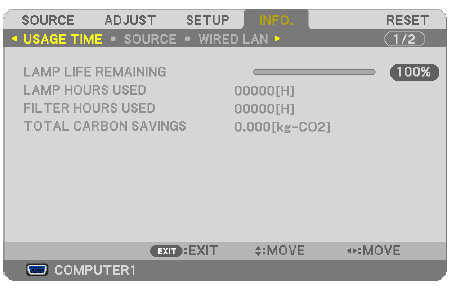
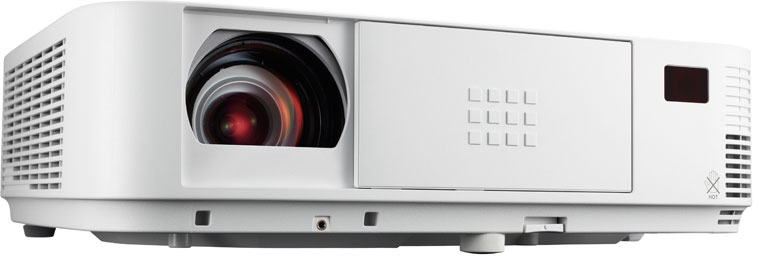 We have you covered when it’s time to change the NEC M403W projector lamp.


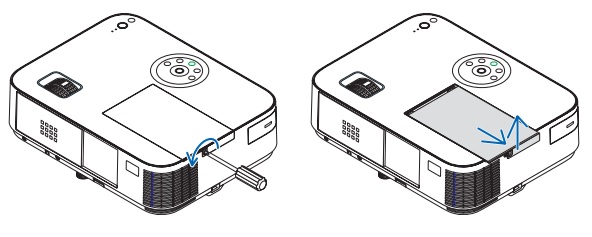 Loosen the NEC M403W lamp cover screw.
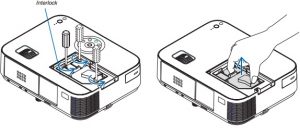
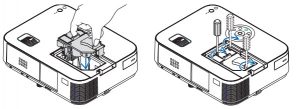 Install a new lamp housing into the NEC M403W projector, gently pressing the projector lamp housing into the socket. . Tighten the screw on the projector lam
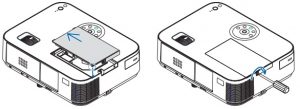 Re-attach the NEC M403W lamp cover by sliding the cover until it snaps into place. Tighten the screw on the lamp cover.
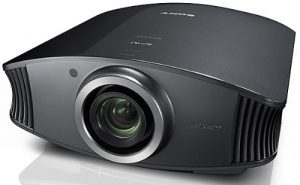


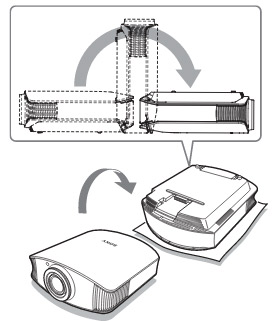
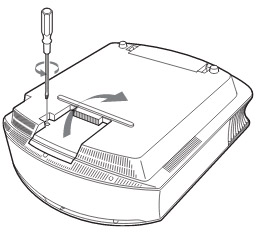
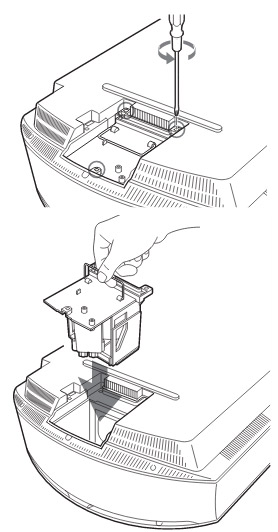
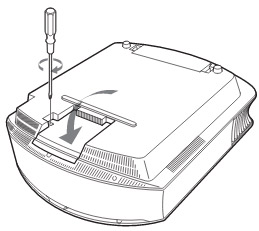
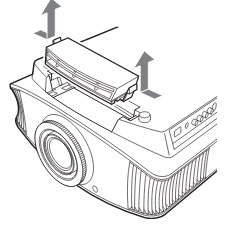
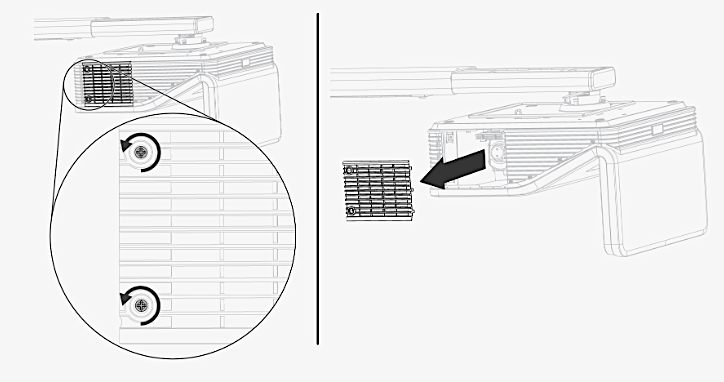
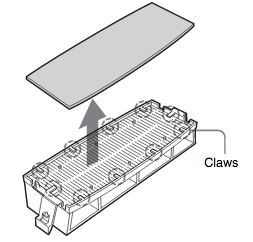 Remove the old Sony VPL-VW60 filter and put it to one side. Attach the new air filter so that is fits into the 10 claws properly on the holder.
Latest Comments