
Replace the Hitachi CP-X450 projector lamp

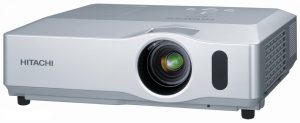 Install a new Hitachi CP-X450 projector lamp
Watch for these signs that indicated the Hitachi CP-X450 projector lamp is reaching its end of life:
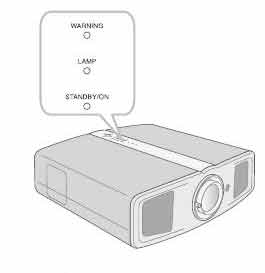
- Both the Hitachi CP-X460 Power and Lamp Indicators are flashing red while the Temp Indicator is turned off.
- Color tone on the screen may also appear weak or washed out.
- Picture has poor color quality.
Invest in authentic
The only replacement projector lamp that will keep your projector working is the Hitachi DT00841 (CPX401) bought from an OEM manufacturer. While knock-off lamps appear to be a bargain, they will actually end up costing you more money due to their various problems:
- shorter life than original lamps
- prone to explosions that can damage your projector
- created with toxic substitute parts that are a health hazard
- usually missing the proper safeguards to protect your eyesight from damage
- no calibrated properly so damage the sensitive optics in your Hitachi CP-X200 projector
Learn to spot copycat lamps posing as authentic lamps. Keep track of projector lamp life so you’ll know when to replace the projector lamp.
Find this lamp on Amazon sold by these authorized dealers:
- Hitachi DT00841/CPX400/X200LAMP Original Lamp
- DT00841 Hitachi CP-X400 Projector Lamp
- DT00841 Hitachi Projector Lamp Replacement. Projector Lamp Assembly with High Quality Genuine Original Ushio Bulb Inside.
- AuraBeam Professional Hitachi DT00841 Projector Replacement Lamp with Housing (Powered by Philips)
- Hitachi DT00841/CPX400/X200LAMP Original Lamp


Installing the Hitachi CP-X450 projector lamp
 Safety steps before installing the new lamp
- Turn off the Hitachi CP-X450 projector.
- Unplug the power cord.
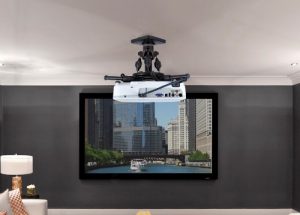
- Allow the projector to cool for at least 45 minutes. It should be cool to the touch. This projector works using high heat and there is danger you can be burned.
- NOTE: If the projector is mounted on the ceiling, don’t stand underneath the projector while opening the cover.
- Prepare the new Hitachi CP-X450 projector lamp. If the projector is mounted on a ceiling, or if the lamp has broken, contact your dealer for assistance.
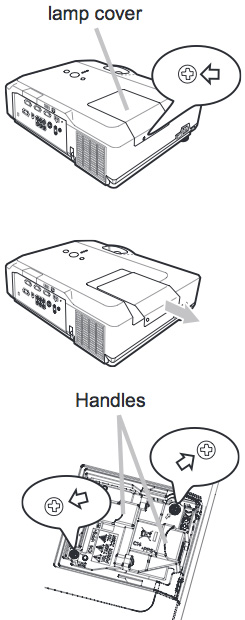
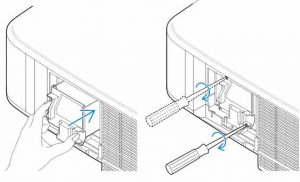
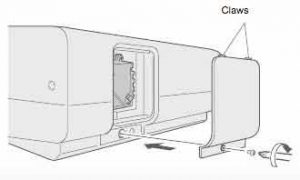
- Loosen the screw (marked by arrow) of the lamp cover and then slide the lamp cover to the side to remove it.
- Loosen the 2 screws (marked by arrow) of the projector lamp, and slowly pick up the lamp by the handles. Be careful not the bang the lamp. The Hitachi DT00841 projector lamp contains mercury and must be recycled properly. Do not throw it in regular garbage.
- Insert the new lamp, taking care not to touch the actual bulb. Oil in your fingers will cause a dark spot on the lamp when it heats up.
- Tighten the two screws of the Hitachi DT00841 projector lamp that were loosened to remove the old projector lamp.
- Slide the lamp cover back in place and firmly fasten the screw of the lamp cover.
- Turn on the projector and set the lamp timer:
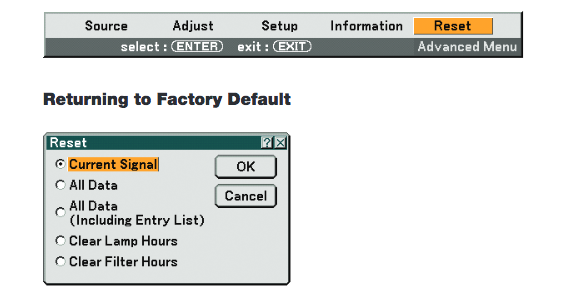
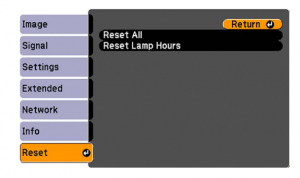
To reset the projector lamp timer:
Note: Reset the projector lamp time only when you have replaced the lamp so the Hitachi CP-X450x projector can properly track the lamp life. Otherwise you run the risk of using the lamp beyond its lamp life.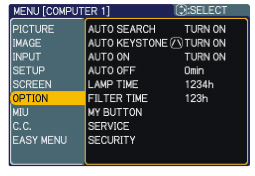
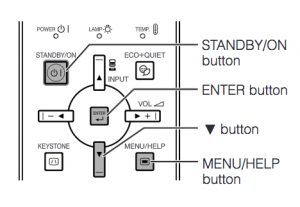
- Press the MENU button
- Scroll down to the GO TO ADVANCED MENU option. Press ENTER
- Scroll down to the OPTION menu in the left column and press ENTER.
- Scroll down to LAMP TIME. Press ENTER To make a dialogue field appear
- Scroll up to the RESET option on the dialogue box.
- The lamp setting will be set to zero.
Replacing the air filters
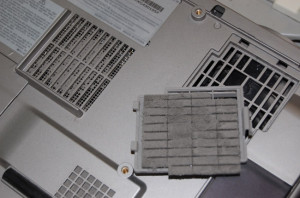
Get more hours from your by Hitachi CP-X450x keeping your air filters clean to avoid overheating the projector.
- Pull the filter frame’s knob up while holding the filter cover. The filter frame will come off and the air filter will appear.
- Take out the old air filter and insert the new air filter.
- Put the filter frame back.
- Put the filter unit back into the projector
- Turn the projector on and reset the filter time using the FILTER TIME item in the EASY MENU.
Learn more with top tips for extending DLP projector lamp life.
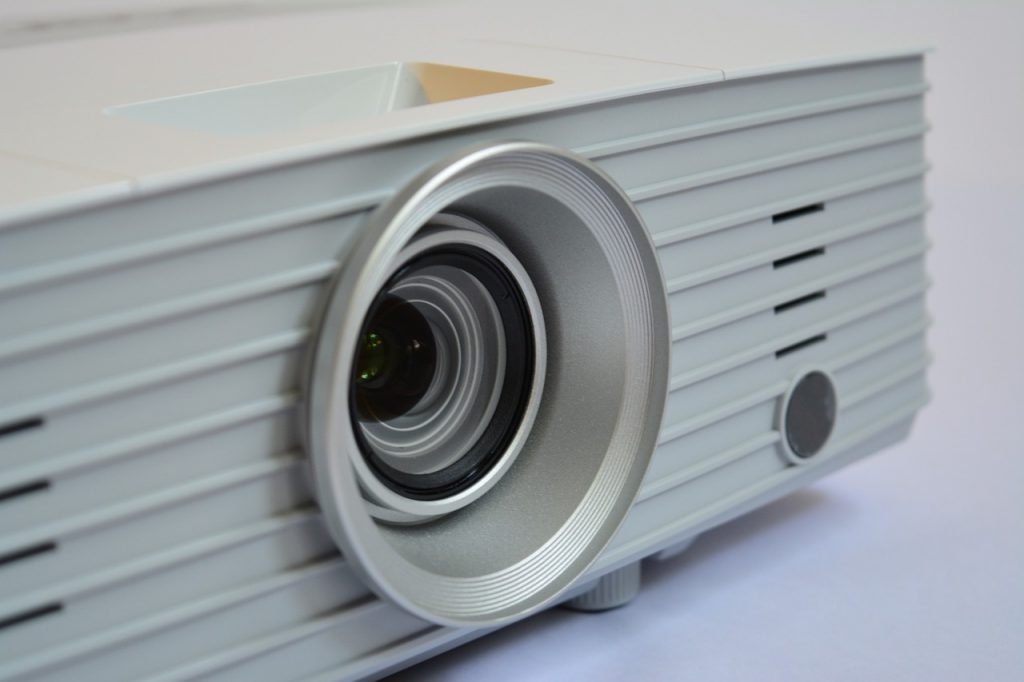
 Check airflow

 Watch the lamp life
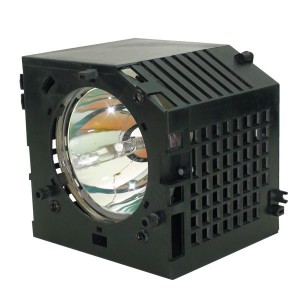
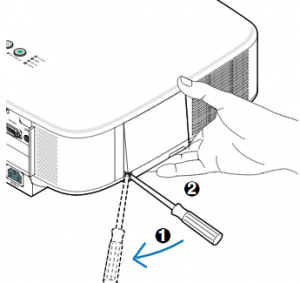
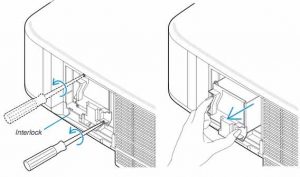
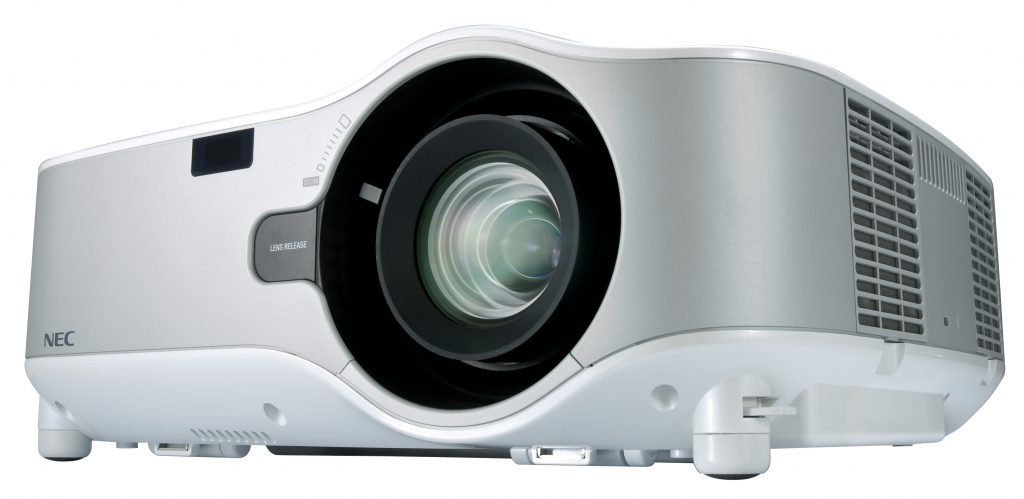 How to install a replacement NEC NP1000 projector lamp


 Get connected with our guide
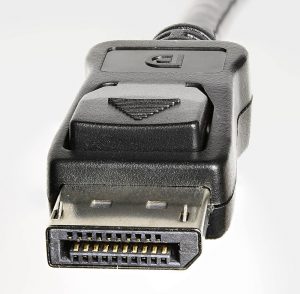 Display Port is a digital display interface found on many PC laptops used to connect a video source to a display device – usually a computer monitor to a projector or TV screen.
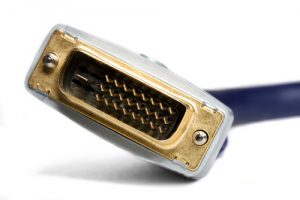 Digital Visual Interface (DVI) is a video connection found on some older PC laptops and on many desktop computers and is used to display 144Hz to 1080p resolution. A DVI connector is usually needed to connect a computer to any LCD TV. This interface has been designed to transmit uncompressed digital video so is often compatible with the older VGA interface and often found on DVD players. There are three different cable types:
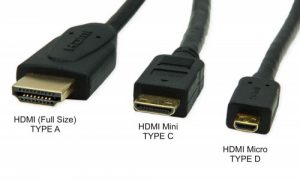 High-Definition Multimedia Interface (HDMI) has quickly become the industry standard. It the one-cable solution since it’s able to carry uncompressed video and audio works into most multimedia devices such as computer monitors, video projectors, digital TVs or audio devices.
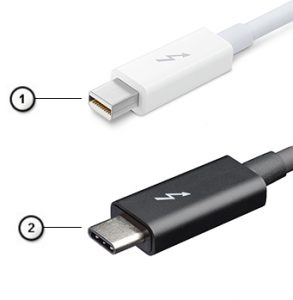 Thunderbolt is the hardware interface that is installed on all newer MacBooks and iMacs.
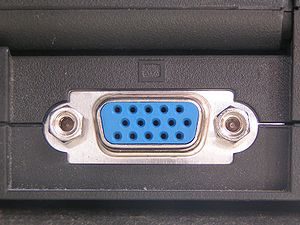 A Video Graphics Array (VGA) is type of connector found on older desktop computers monitors, older laptop computers and early HD TVs.
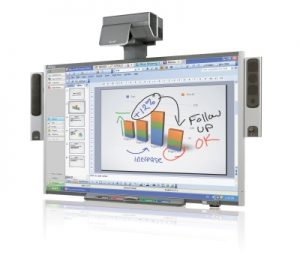 Follow this guide for easy replacement of the Smartboard 685ix projector lamp.


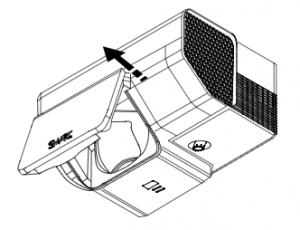 Pull the lamp cover forward and remove it from the projector. Put the lamp cover to one side. If the cover is difficult to remove, insert a flat screwdriver or small coin into the slot on the bottom of the lamp cover to gently pry it open.
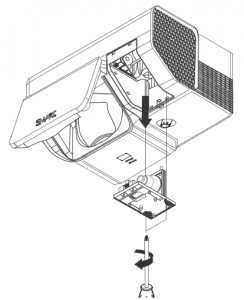 Loosen the two screws holding the
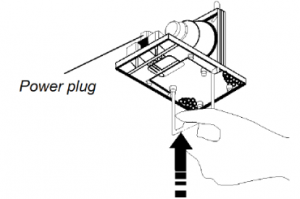 Remove all packaging from the new
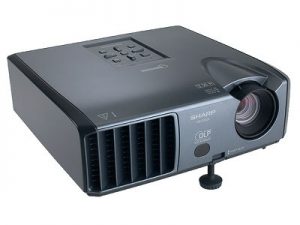 Change the Sharp PG-F200X projector lamp easily with this step-by-step guide.


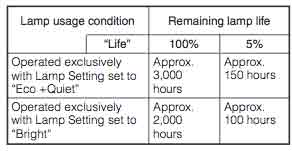
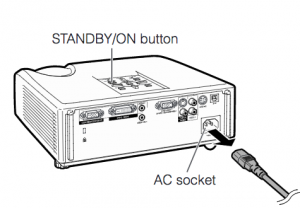
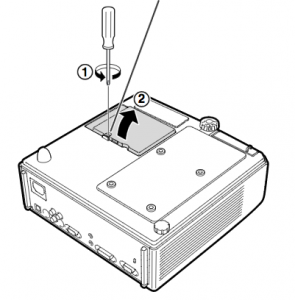
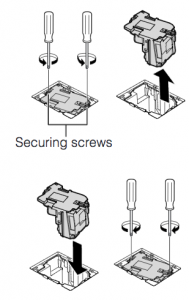 Remove the screws holding the
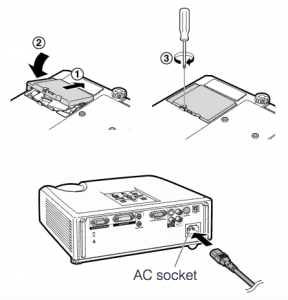 Note: The used
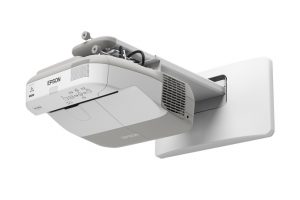 Our guide shows how to install a new Epson PowerLite 470 projector lamp.


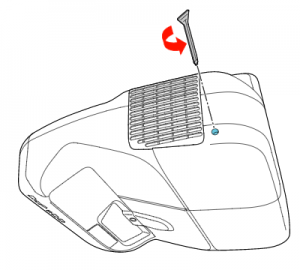 Loosen the screw holding the Epson PowerLite 470 projector lamp cover in place.
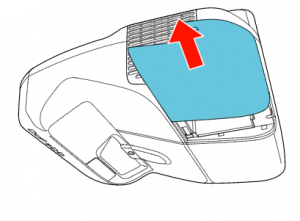 Slide the Epson PowerLite 470 lamp cover off and place it to one side.
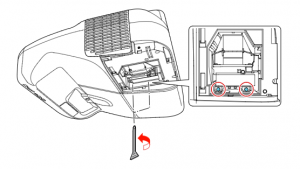 Loosen the two screws holding the Epson 470 projector lamp in place.
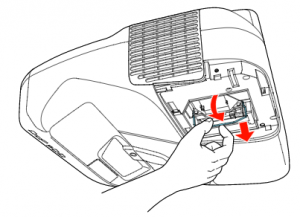
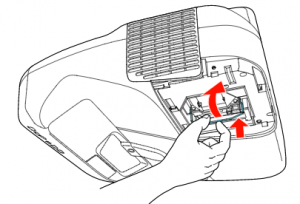 Slowly insert the
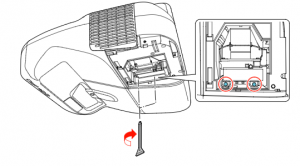 Tighten the screws on the newly installed

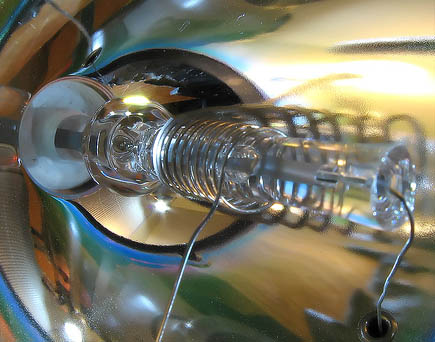
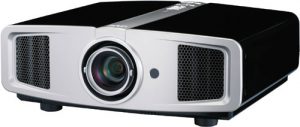 How to replace the JVC DLA-HD1 projector lamp
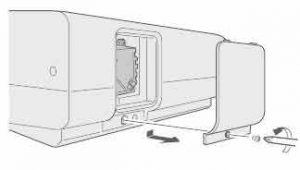
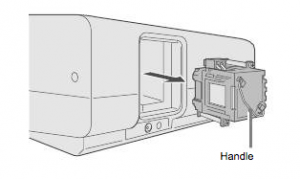
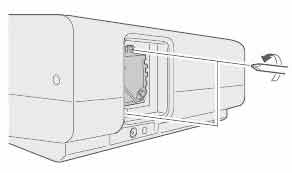 Loosen the two screws keeping the

Latest Comments