
Install a new Sony VPL-VW50 projector lamp

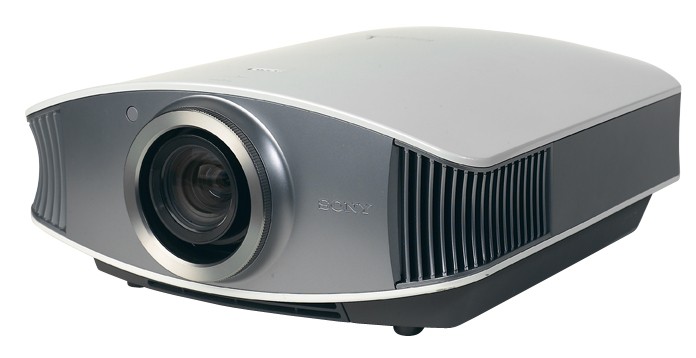
Instructions to replace the Sony VPL-VW50 projector lamp
Our guide shows you how to install a replacement Sony VPL-VW50 projector lamp with easy step-by-step instructions.
Buy authentic
Don’t settle for anything but the best for your Sony VPL-VW50 projector and install an authentic projector lamp. Don’t get caught with a counterfeit lamp. They have shorter lamp and are more toxic due to the substitute materials used by counterfeit manufacturers. Fake lamps won’t work properly with the sensitive electronics in your projector and are prone to explosions. Keep your projector working properly and invest in an authentic projector lamp.
Find this lamp on Amazon sold by these authorized dealers:
- LMP-H200 Sony Projector Lamp Replacement. Projector Lamp Assembly with Genuine Original Philips UHP Bulb Inside.
- Sony OEM(Original Bulb and Generic Housing) LMP-H200, VPL-VW40, VPL-VW50, VPL-VW60 Projector Lamp with Housing
- Sony LMP-H200


When to replace?
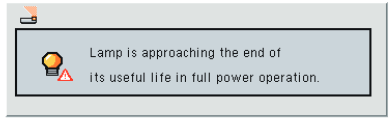
When the this Sony VPL-VW40 projector lamp projector lamp is reaching end of life, the Lamp/Cover light will continue to flash red in 3 second intervals. The message “Please replace the Lamp/Filter” will also start flashing on screen. If the projector lamp dims or the color looks strange, change it immediately. Sony recommends replacing the air filter at the same as replacing the lamp.
Replacing the Sony VPL-VW40 Lamp and Air Filter
Before installations preparations: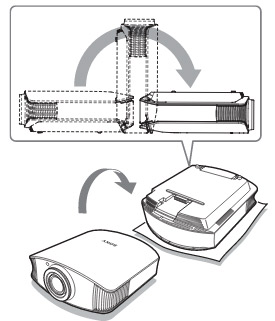
- Unplug the AC power cord on the Sony VPL-VW50 projector.
- Your Sony VPL-VW40 projector uses the Sony LMP-H200 projector lamp. Before installing the lamp, let the projector cool for at least 40 minutes. It should be cool to the touch. Don’t rush the cooling as these projectors operate using extremely high temperatures and you run the risk of a serious burn.
- The projector lamp cover is on the bottom of the projector so you will need to turn it over. Put down a soft cloth on a flat surface to prevent the projector getting scratched. Turn the projector over gently. Don’t lean on the projector and make sure the surface is flat and stable.
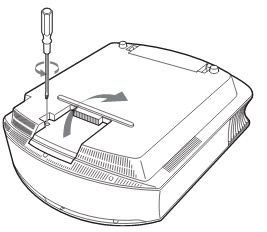
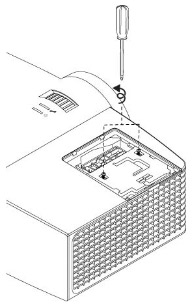
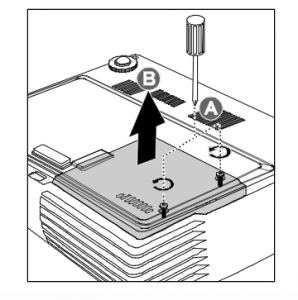
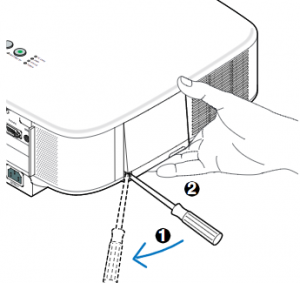
- Using a Philips screwdriver, loosen the screw holding the projector lamp cover in place. Slide the projector lamp cover. Put it to one side.
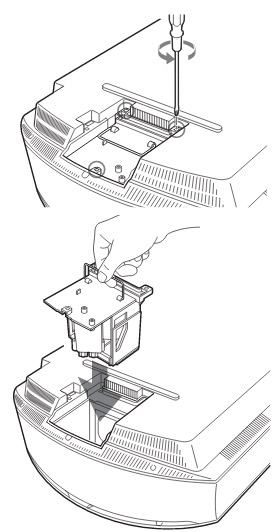
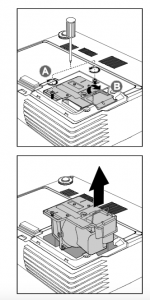
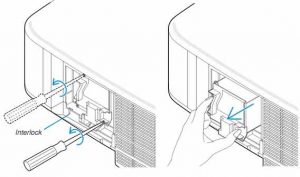
Loosen the 3 screws on the Sony LMP-H200 lamp using a Phillips screwdriver. Grab the wire handle on the Sony LMP-H200 projector lamp and gently pull the lamp straight out. Take care not to bang the lamp as you can cause the bulb to break.
NOTE: The Sony LMP-H200 projector lamp contains mercury and should not be thrown into regular garbage. Recycle this lamp!
To finish the projector lamp installation:
- Remove the packaging from the new Sony LMP-H200 projector lamp.
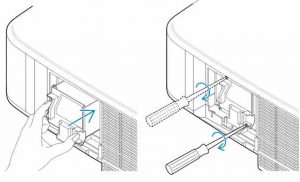
- Lift up the handle and slowly lower the Sony LMP-H200 projector lamp into the projector.
- Push it in securely until it reaches the end.
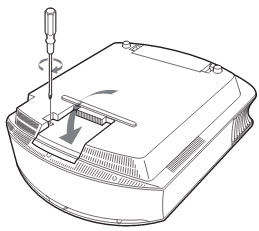
- Tighten the three screws on the lamp.
- Also don’t touch the actual bulb in the new lamp as oily fingerprints can burn a black spot on the lamp when it heats up.
- Slide the lamp cover back onto the Sony VPL-VW50 projector.
- Close the projector lamp cover and tighten the screws.
Remember to install the lamp cover properly as the projector will not turn on if the cover is loose or not installed correctly.
Replacing the Sony VPL-VW50 air filter
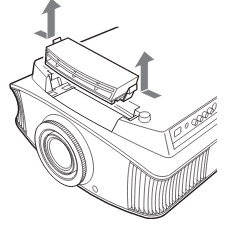
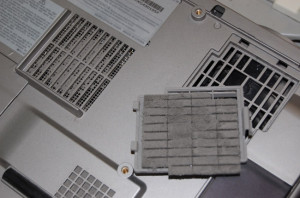
- Remove the filter holder. The air filter will be inside the holder. Don’t touch the fan inside as this can damage the projector.
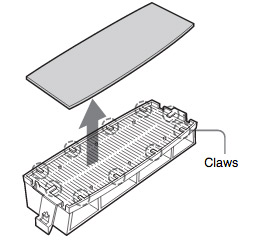 Remove the old Sony VPL-VW50 filter and put it to one side. Attach the new air filter so that is fits into the 10 claws properly on the holder.
- Aligning the air filter with the shape of the filter holder will make it easier to install.
- Be sure to put the air filter holder back into the projector aligned up properly. If not, the projector will not turn back on!
- Wipe off any dust from the ventilation intake holes using a soft cloth. Put the projector back in its original position
Resetting the Sony VPL-VW50 projector lamp timer
- To reset the projector lamp timer, plug the AC power cord back into Sony VPL-VW50 projector.
- Using the remote, scroll down to the Setup Menu.
- Press Enter.
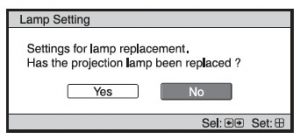
- A Lamp Setting message will appear asking you if the projector lamp has been replaced.
- Click on Yes.
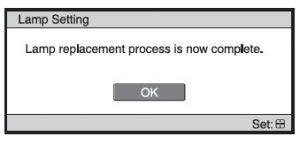
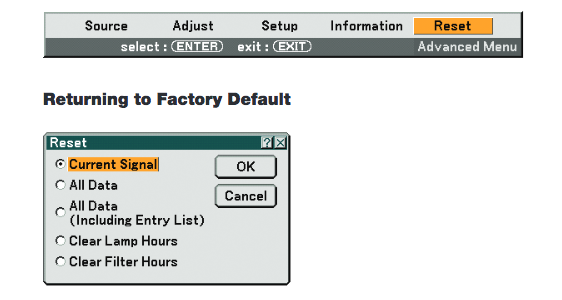
- You will see a confirmation message and the Projector Lamp Timer will be automatically reset to zero.
- You can see the number of hours left on your lamp by going to the Information Menu.
You can extend the life of the Sony LMP-H200 projector lamp by always making sure the filter is clean and there is enough airflow around the projector. Learn how to get a longer projector lamp life with top tips for extending DLP projector lamp life.


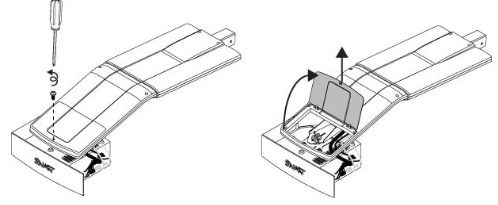 he projector and without applying pressure, remove the screw holding the cable cover in place. Lift the cover off.
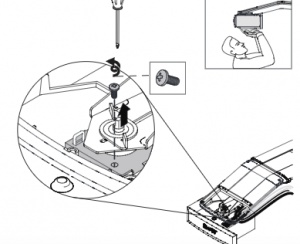 If you need access to the projector locking
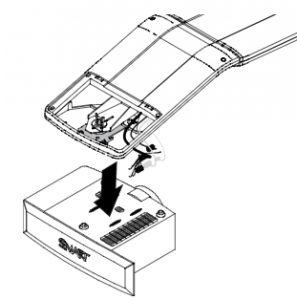 Take care as the projector will be loose once the screw on the mount have been loosened. Have the second person ready to hold the projector.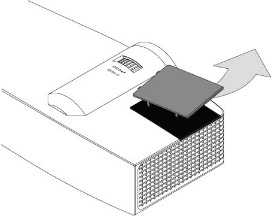
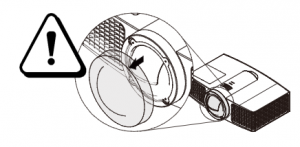
 Pull off the outer lamp cover with the your finger and set it aside.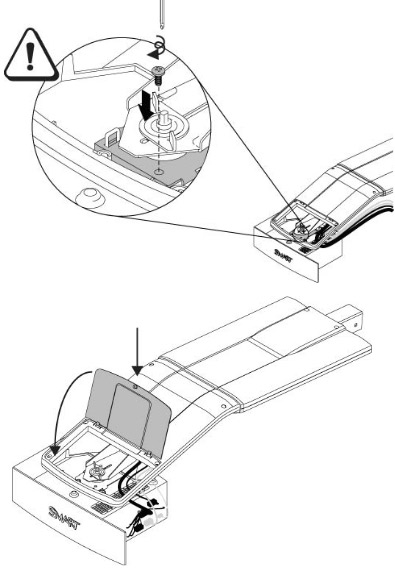
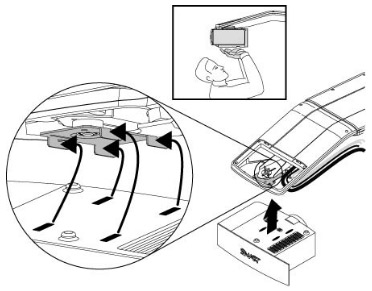
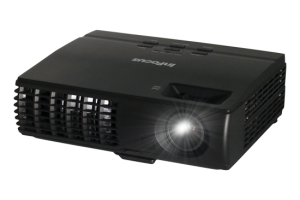 Install a replacement Infocus IN1124 projector lamp using this guide.
 Remove the two screws from the lamp module.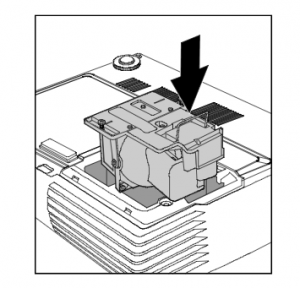
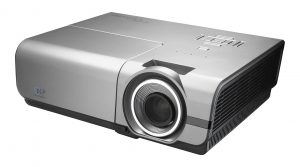 Follow this guide to replace the Optoma EH500 projector


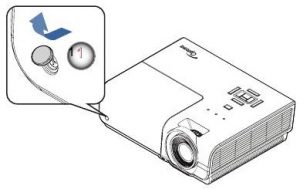
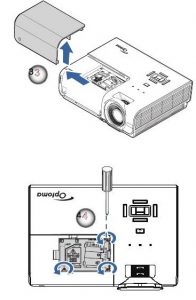
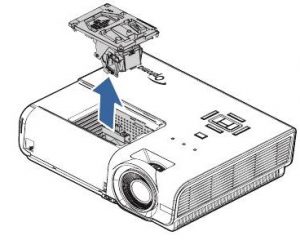
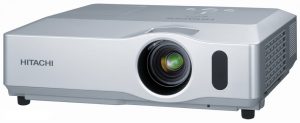 Install a new Hitachi CP-X450 projector lamp


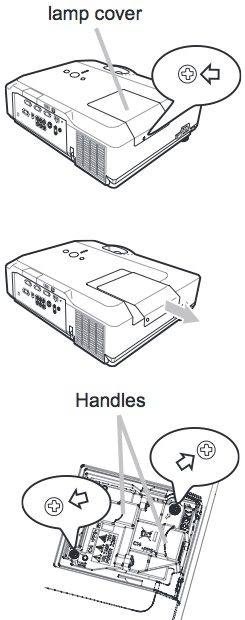 Safety steps before installing the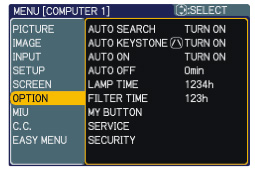
 Check airflow

 Watch the lamp life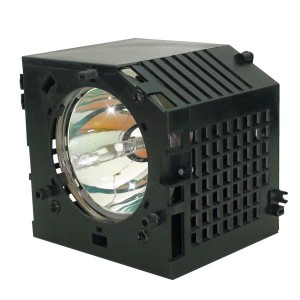
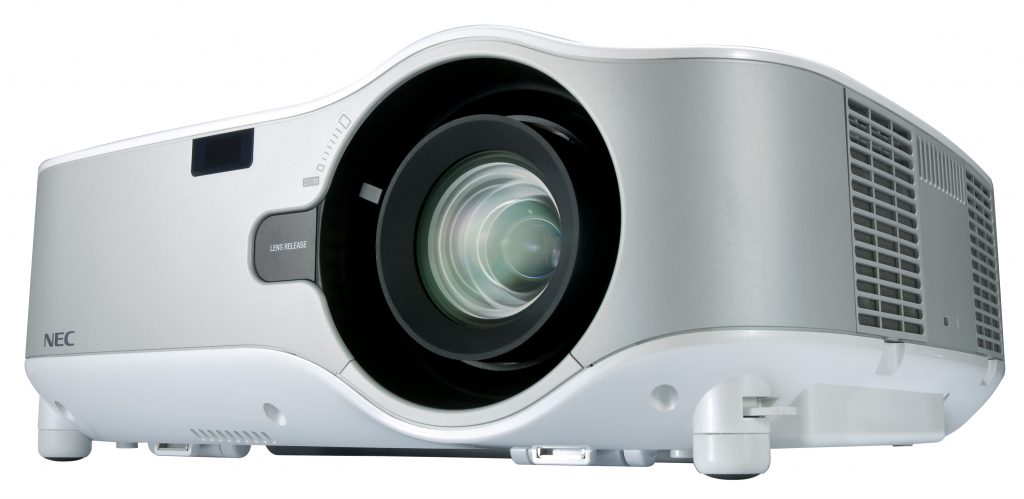 How to install a replacement NEC NP1000 projector lamp


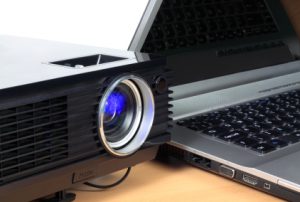 Get connected with our guide
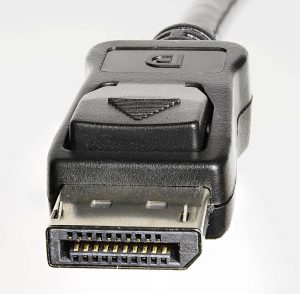 Display Port is a digital display interface found on many PC laptops used to connect a video source to a display device – usually a computer monitor to a projector or TV screen.
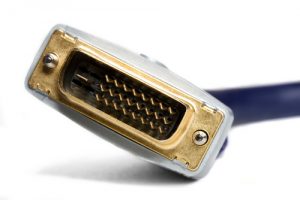 Digital Visual Interface (DVI) is a video connection found on some older PC laptops and on many desktop computers and is used to display 144Hz to 1080p resolution. A DVI connector is usually needed to connect a computer to any LCD TV. This interface has been designed to transmit uncompressed digital video so is often compatible with the older VGA interface and often found on DVD players. There are three different cable types:
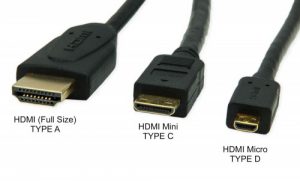 High-Definition Multimedia Interface (HDMI) has quickly become the industry standard. It the one-cable solution since it’s able to carry uncompressed video and audio works into most multimedia devices such as computer monitors, video projectors, digital TVs or audio devices.
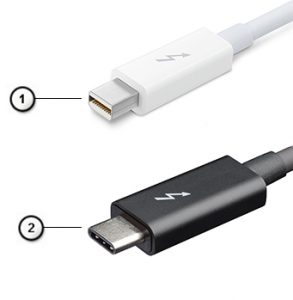 Thunderbolt is the hardware interface that is installed on all newer MacBooks and iMacs.
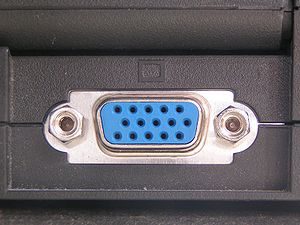 A Video Graphics Array (VGA) is type of connector found on older desktop computers monitors, older laptop computers and early HD TVs.
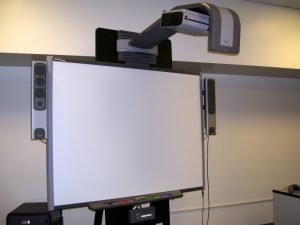
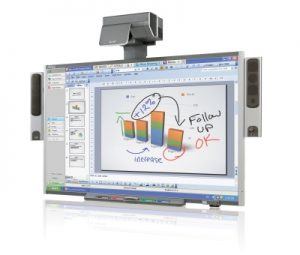 Follow this guide for easy replacement of the Smartboard 685ix projector lamp.
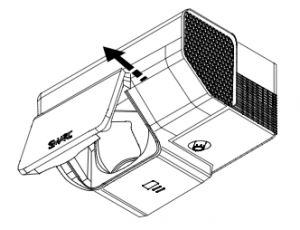 Pull the lamp cover forward and remove it from the projector. Put the lamp cover to one side. If the cover is difficult to remove, insert a flat screwdriver or small coin into the slot on the bottom of the lamp cover to gently pry it open.
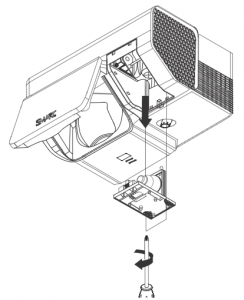 Loosen the two screws holding the
 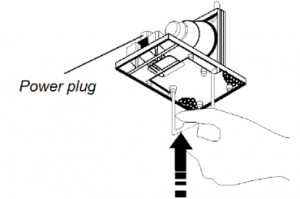 Remove all packaging from the new